You're at the hotel reception desk, and a guest is holding up a phone with two almost identical WiFi names. One opens your branded login page. The other asks them to download something before connecting. Your internet connection may be working perfectly, but your guest still needs to know which network to trust.
Public WiFi security starts with venue configuration, not a blanket warning to avoid public networks. For hotels, campuses, shops and corporate offices, the practical job is to separate visitors from protected systems, give them appropriate credentials and make legitimate access easy to recognise. A polished captive portal helps, but it needs the right network controls underneath it.
Public WiFi Security Settings at a Glance
In 2024, Kaspersky's Paris WiFi assessment examined 24,766 unique public access points and found that 25%, or 6,083 hotspots, had serious security weaknesses. A familiar network name tells visitors very little about the configuration behind it.
Treat the following checklist as a baseline for a well-run venue network. In a Cisco Meraki deployment, check the actual SSID settings and firewall behaviour, rather than assuming that a branded splash page means everything underneath is protected.
Security settings and safe values for public WiFi
| Setting | Safe choice | Why it matters | Avoid |
|---|---|---|---|
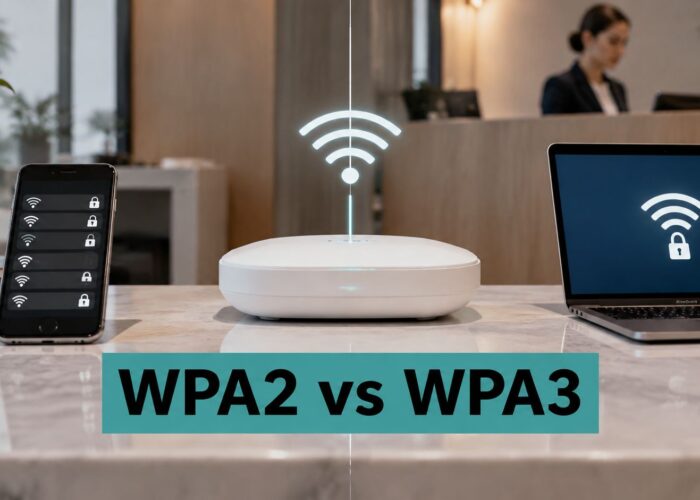
| Encryption | WPA3, or WPA2 with AES-CCMP | Open WiFi lacks wireless encryption, while legacy protocols offer weaker protection. | Open, WEP, WPA or TKIP |
| Guest credential | Individual PSK or IPSK per device or guest | A leaked individual key can be revoked without replacing everyone's credential. | One shared password for all guests |
| Client isolation | Enabled on the guest SSID | It prevents direct communication between guest devices. | Peer-to-peer traffic allowed |
| Portal connection | HTTPS splash page showing the venue name | Visitors can inspect the login address and connection before submitting details. | Plain HTTP login page |
| Management access | Blocked from the guest VLAN | Guests cannot reach administrative tools to attempt configuration changes. | Admin interfaces reachable from guests |
| Firmware | Automatic updates or a monthly review | Operators can apply fixes for known WiFi flaws. | Unpatched access points |
A shared password creates a venue-wide credential problem when someone photographs it or passes it on. That doesn't mean every encrypted application session suddenly becomes readable, but it does mean you've lost control over who can join.
Check configuration, not just labels
Use the WPA3 explanation when deciding how to support modern devices without leaving legacy security enabled unnecessarily. Test older equipment before changing production settings, and give incompatible business devices a restricted network rather than weakening guest access for everyone.
For a broader operational checklist, F1Group's resource on secure Wi-Fi for UK businesses is a useful companion when reviewing responsibility for updates, credentials and network administration.
Quick visitor check: Confirm the network name with staff, check that the portal uses HTTPS and stop if a certificate warning appears.
Run this table against your own network this week. Then publish the correct network name on reception signage before the next busy day.
Choosing Between Shared Passwords, IPSK and EasyPSK
A shared password is easy to issue and difficult to contain. It gets written on receipts, photographed at reception and passed between people who aren't visiting anymore. Changing it means updating everyone who still needs access.
The better choice isn't always the most complicated authentication solution. Match the credential to the person or device, and decide how you'll withdraw access before you issue it.
Guest and staff authentication methods compared
| Method | Credential scope | Best fit | Trade-off |
|---|---|---|---|
| Shared WPA2 or WPA3 password | Everyone on the network | Small café or single room | One leak compromises the shared access credential |
| Individual PSK (IPSK) | One key per device or user | Corporate BYOD, staff and students | More keys to manage |
| EasyPSK | Individual keys issued at scale | Large campuses and retail chains | Requires an issuing and revocation workflow |
| Wi-Fi Enhanced Open | Per-user encryption, no password | Public guest access with a portal | No proof of the legitimate network |
| Social login portal | Verified social account identity | Retail and hospitality social WiFi | Consent and identity, not wireless encryption |
| 802.1X with EAP-TLS | Device and server certificates | Corporate networks with certificate management | Certificate setup effort |
For a small café, a shared credential may be an acceptable operational compromise if the network is isolated and the password is maintained. For corporate BYOD, IPSK lets the team revoke a departing employee's personal-device access without disrupting colleagues.
EasyPSK fits larger issuing workflows, such as a campus onboarding students or a retail chain provisioning devices across branches. Hotels also need to consider how credentials expire at checkout, not just how quickly reception can issue them.
Separate identity from encryption
According to the Wi-Fi Alliance's security guidance, Wi-Fi Enhanced Open uses Opportunistic Wireless Encryption to protect each user's wireless exchange without distributing passwords. It suits public access with a portal, but doesn't establish that the hotspot belongs to the venue.
Social login suits retail social WiFi where an account-based sign-in is useful, provided marketing choices remain clear. A managed corporate fleet is a better candidate for EAP-TLS, where certificates establish device and server trust.
Cisco Meraki supports captive portal and IPSK authentication, but check the selected hardware, firmware and authentication mode before designing the workflow. Use this guide to security keys for WiFi to frame the credential decision.
Rule of thumb: Choose by sector risk, device ownership and how long access should last, not by how impressive the login screen looks.
How to Build a Secure Captive Portal
Who should get in, and how do they prove it? Answer that before choosing colours, logos or marketing fields. A hotel guest needs a different access journey from a student connecting a laptop or an employee enrolling a personal phone.
A captive portal authorises access after a device joins the network. It doesn't, by itself, encrypt the wireless connection. The Wi-Fi Enhanced Open technology overview explains how passwordless wireless encryption can complement guest access, while leaving authentication and venue verification as separate tasks.
Configure the access journey
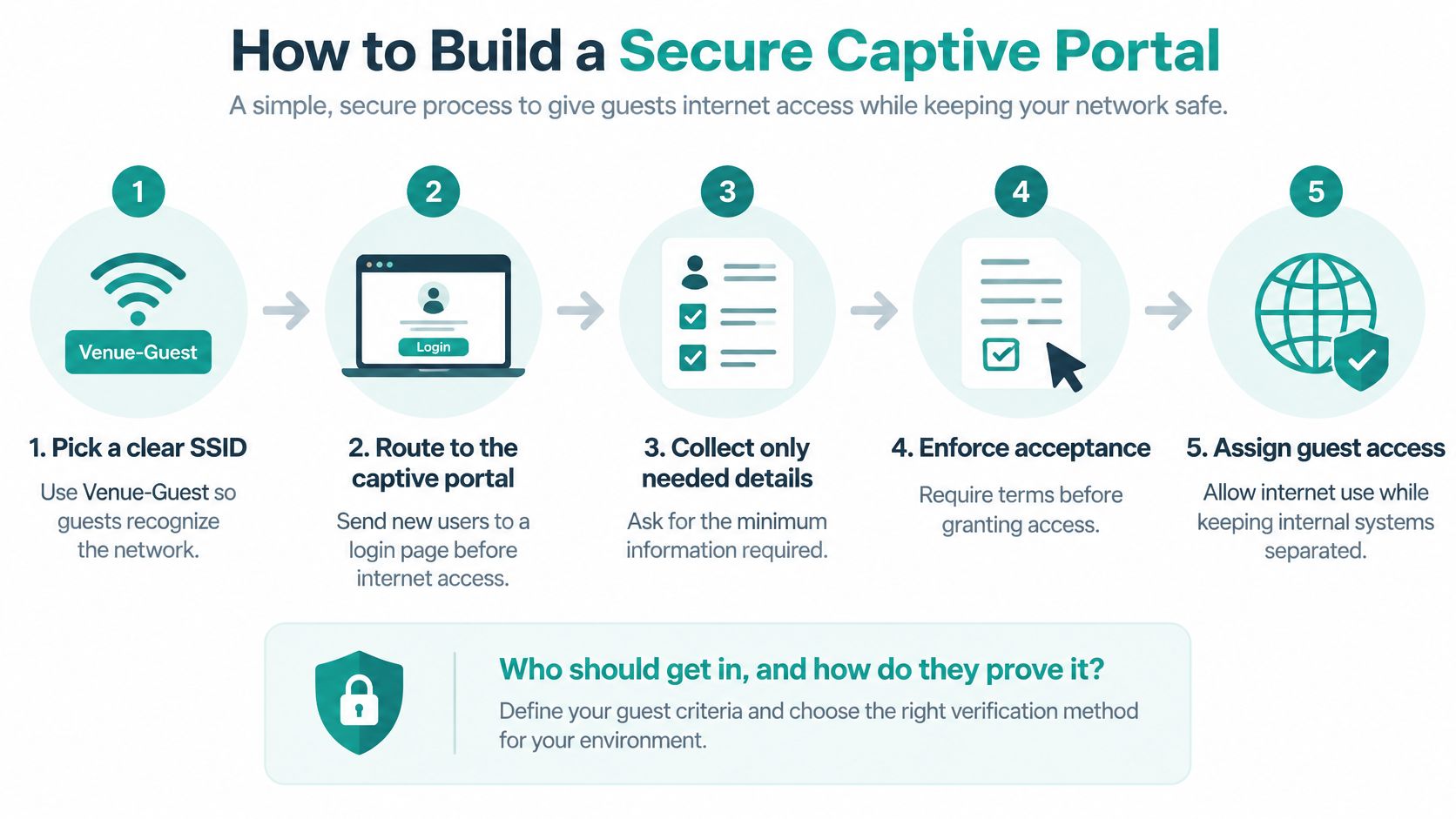
Pick a clear SSID. Use a name such as Venue-Guest that matches reception signage. Don't copy the staff network name or make guests guess between similarly named options.
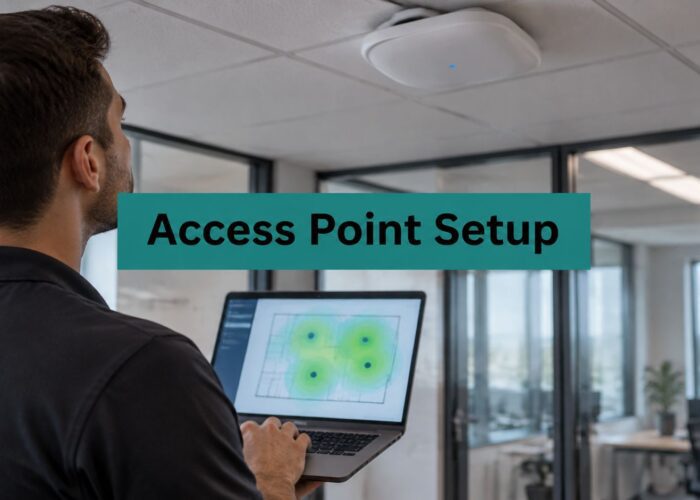
Set the guest SSID to WPA3 or WPA2 with AES, and assign it to a dedicated guest VLAN. A VLAN is a logical network boundary, but you still need firewall rules to control what crosses it.
Create the captive portal in the Cisco Meraki workflow and serve the splash page over HTTPS. Use a recognisable venue name and a stable portal address, so reception staff can explain what guests should expect.
Choose the sign-in method around the visit. A hotel might issue a voucher, an event might use a QR code, and a retailer might offer social login; staff and students may need IPSK or EasyPSK credentials instead.
Set session length and bandwidth limits. Match expiry to the booking or visit, and apply per-client limits so one device can't monopolise the connection.
Add a short terms notice and a visible privacy link. Ask only for information you can explain and justify, rather than adding fields because the portal supports them.
Test the complete journey on an iPhone, an Android phone and a laptop. Include forced sign-out, expiry and reconnect testing, because a successful first login doesn't prove that returning users will get the right access.
The process below keeps onboarding and network separation in the same workflow.
Make the hotel workflow manageable
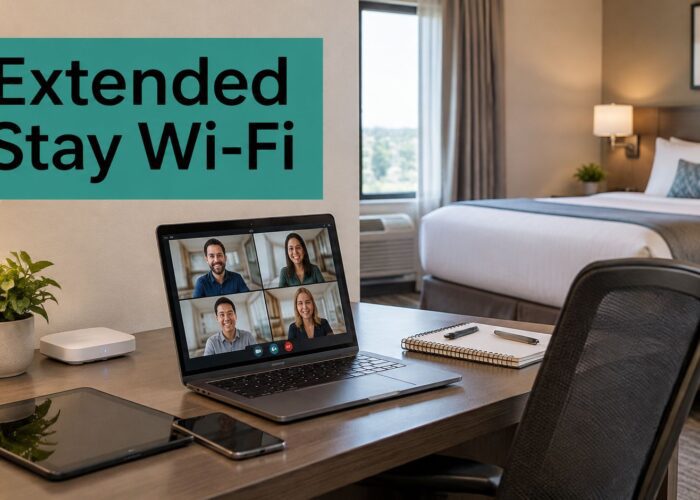
Say a hotel wants guests online without reception sharing a permanent password. Issue an individual credential with the arrival instructions, give staff a clear revocation process and test what happens when the stay ends. Keep portal assets available during onboarding, but don't create broad pre-login exceptions that unintentionally allow general internet access.
For Cisco Meraki venues, our captive portals deploy instantly into the Meraki Cloud, and our Visitor IPSK QR Management gives each guest an individual key through a QR code. That provides an onboarding foundation without building a portal from scratch; session and bandwidth policy still need deliberate configuration.
A successful portal test ends with the correct access restrictions, not merely a page that says you're connected.
Separating Guest, Staff and BYOD Networks
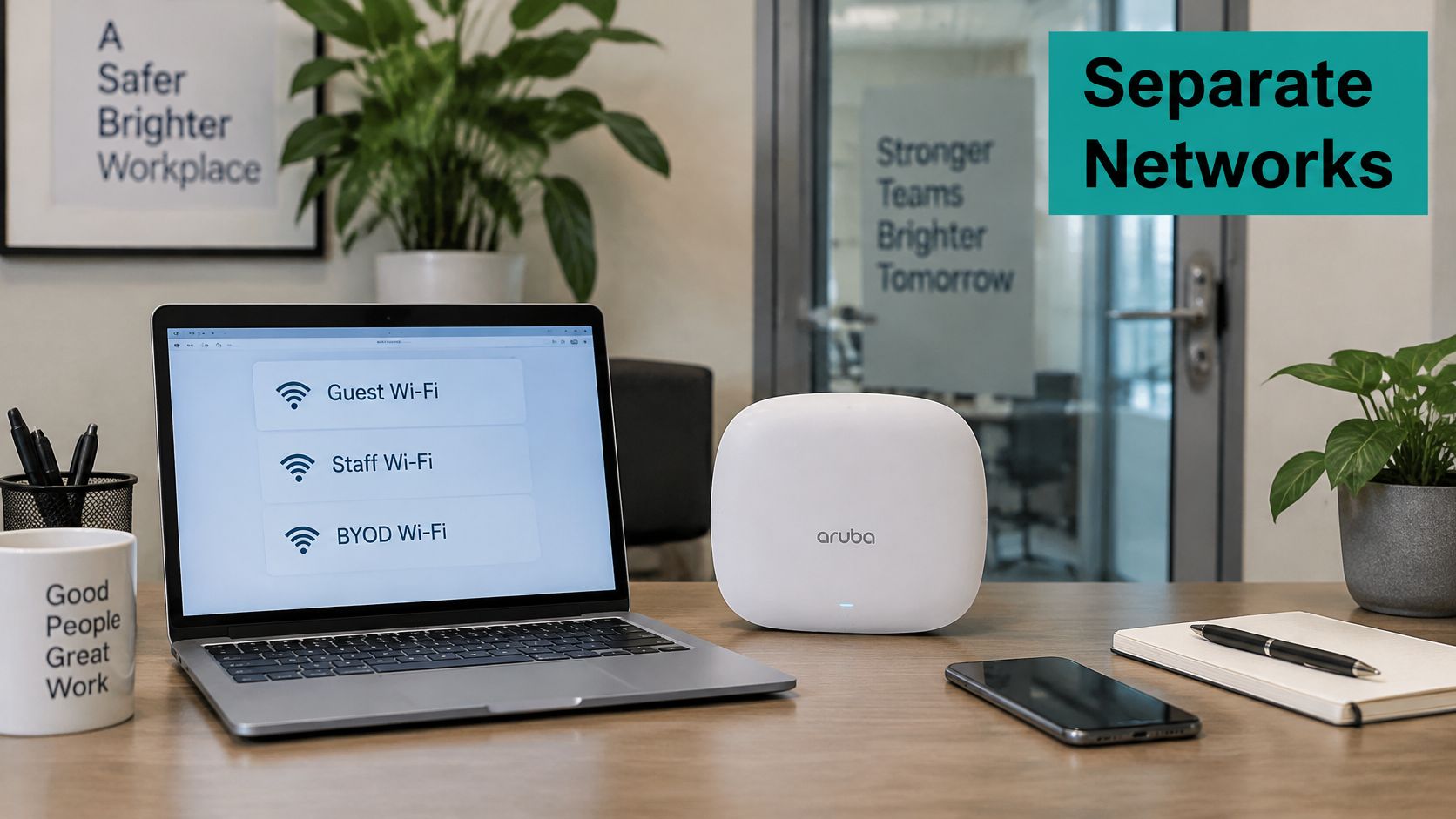
Start with who should never see whom. Guests need internet access, staff need approved business resources, and personally owned devices need access appropriate to their owner and security status.
Create separate SSIDs or VLANs for guests, staff and BYOD, then enforce the boundaries with firewall rules. A different WiFi name alone doesn't create meaningful separation if both networks can reach the same internal systems.
This is the kind of device environment those boundaries need to accommodate.
Apply the boundary to each sector
- Education: Students log in to our campus network with their unique SSID credentials through a simple captive portal, using any device. Keep student, staff and visitor access distinct, and permit learning-platform access according to the institution's policy.
- Corporate BYOD: Give personal devices access to approved resources rather than the entire office network. CISA's cybersecurity best practices recommend risk-limiting BYOD policies and define MFA as requiring at least two factors, such as something a user knows and something they possess.
- Retail: Keep card terminals and point-of-sale systems separate from guest WiFi. Don't allow a guest device to discover a till, back-office server or administrative printer.
Use these network segmentation best practices when translating those boundaries into access rules. Client isolation is separate: it restricts communication between guests, while firewall rules restrict access between networks.
Test from a real guest account
- Connect as a guest, using the same onboarding route visitors receive.
- Try to reach an internal file server using an approved test.
- Attempt to open the network administration page.
- Test reachability to the POS network without attempting payment-system access.
The internal destinations should remain unreachable. Repeat the checks after configuration changes, not just at installation.
Privacy and PCI Duties for Guest WiFi Data
A guest WiFi login is a data collection point, and the venue decides what it collects. Venues configure the personal data collected through the Splash Access WiFi service, and the venue's privacy policy applies to how that data is used. That split matters. The network can enforce masking and retention, but the notice and consent choices sit with the venue.
For GDPR-facing notices, list the email address, social profile details or device identifiers you collect, explain each purpose and state the retention period. Link the policy from the splash page, including how guests withdraw marketing consent or request deletion where applicable. A retailer that collects an email address through social login for a monthly offer should explain that purpose, how unsubscribing works and when deletion occurs, rather than implying WiFi access requires agreement to unrelated marketing. If a guest asks about eSIM privacy rather than venue WiFi, privacy help for eSIM users covers that separate topic.
Splash Access discloses user data to the owners of the venues where users access its WiFi services. Device MAC addresses go to venue owners only in masked form, which prevents linkage to other sources. Splash Access deletes personal data when a user has not logged in to one of the WiFi venues for more than 24 months.
PCI scope is the other duty. Never send cardholder data unencrypted across guest WiFi. Use HTTPS payment pages and keep guest access outside the cardholder data environment. Tokenization, where the card number is replaced by a token, and point-to-point encryption reduce what a breach exposes, but they do not remove the need to keep guest traffic away from payment systems. Review secure payment processing alongside the network design. I would treat the guest notice and the payment flow as separate controls, because one is about transparency and the other is about scope.
Ask any provider where the data is stored, who can see it, and how deletion works. Have a local data protection specialist review your policy.
Monitoring Rogue Networks and Fake Login Pages
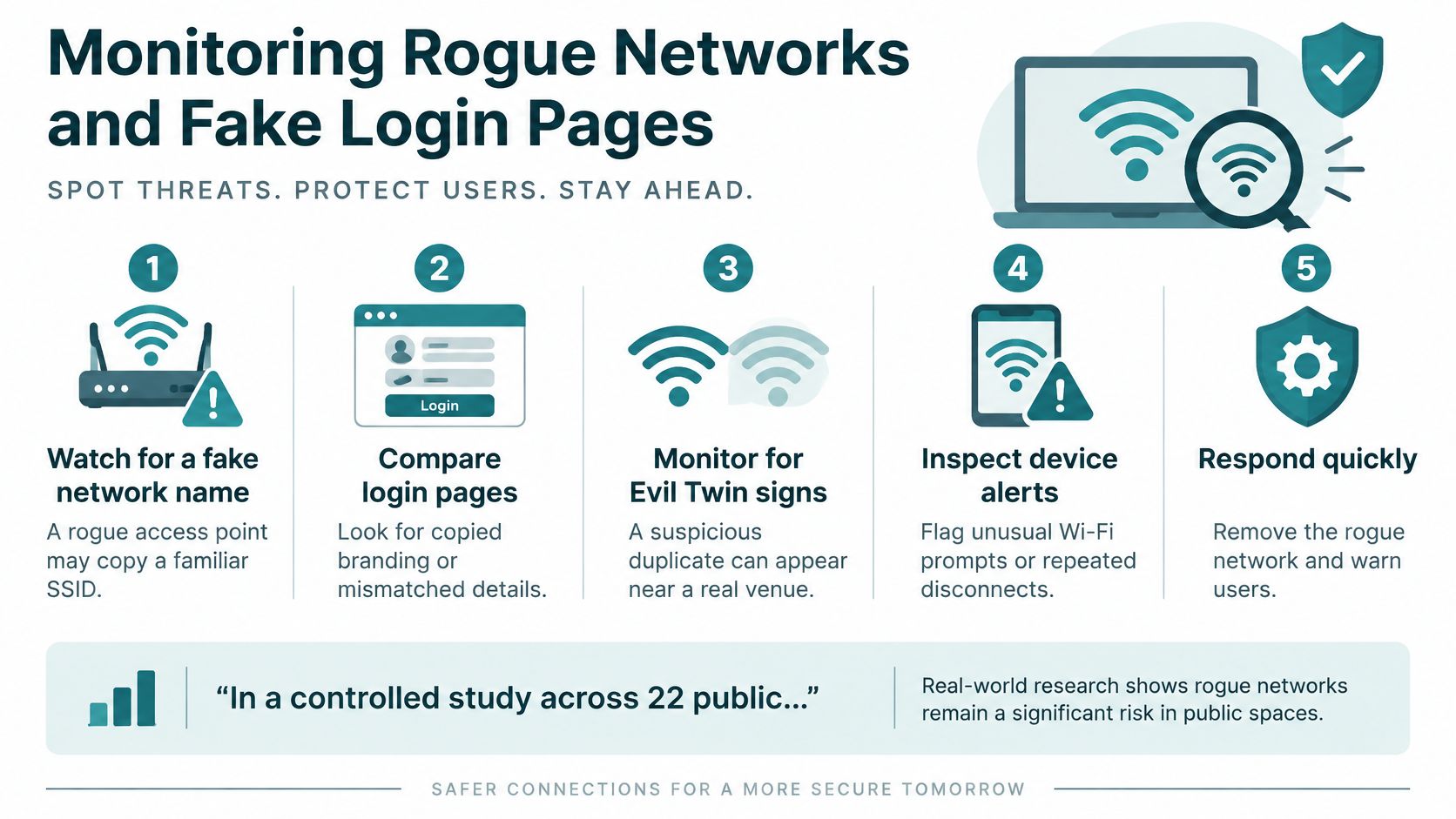
A fake network copying a familiar name can be more actionable for venue staff than the vague fear of someone reading every packet. In a controlled study across 22 public locations in the Philippines, 322 of approximately 1,440 people in range connected to a fake network, and 75 submitted credentials, according to the account summarised by Panda Security.
Teach staff to recognise suspicious duplicate names, unfamiliar password requests, certificate warnings and unexpected download prompts. Duplicate names aren't proof of an attack, but they deserve investigation.
Keep an incident playbook ready
Maintain an inventory of legitimate SSIDs and access points, scan for rogue broadcasts and review authentication logs for unusual spikes. This explanation of rogue access points helps distinguish an unauthorised device from your managed infrastructure.
- Isolate an affected managed access point if compromised. Don't attempt to seize or disrupt equipment you don't control.
- Warn staff and display the correct network name.
- Reset credentials submitted to the fake page, using a trusted connection.
- Review logs for the affected period.
- Update portal instructions and brief staff on the incident.
Encryption alone doesn't prove that a hotspot belongs to the venue.
Validated enterprise authentication, individual credentials and carefully designed portal workflows address different parts of that trust problem. You can't prevent every nearby fake network, but you can make deception easier to detect and report.
Staying Safe on Public WiFi as a Visitor
Public WiFi isn't automatically unsafe. CISPA's analysis of public WiFi security challenges blanket warnings because widespread HTTPS protections mitigate ordinary network interception, while phishing portals, rogue access points, malicious downloads and outdated devices remain credible risks.
Use a short routine before and during each session:
- Confirm the network with staff. If the same name appears twice, ask which connection to use rather than guessing.
- Turn off auto-join for public networks on your phone and laptop. Forget networks you no longer need.
- Inspect the portal address. It should use HTTPS and match the venue's published instructions; never override a certificate warning. A padlock protects the connection to that address, not the honesty of whoever owns it.
- Save banking, shopping and work logins for networks you trust, and enable multi-factor authentication on important accounts. Follow your employer's remote-access policy.
- Install system and app updates before travelling. Don't accept an unexpected installer presented as a requirement for guest WiFi.
- Leave and tell staff if the portal requests unfamiliar credentials, unusual permissions or a download.
A managed VPN is useful when your employer requires it, but it can't stop you voluntarily entering a password into a convincing fake page.
Many visitors remain uneasy: a 2025 Kinetic Business survey of 436 respondents across 18 U.S. states found that 57% didn't feel safe using public or business WiFi. A visible, correct SSID and a simple front-desk instruction card give guests something concrete to check.
Splash Access offers Cisco Meraki-integrated captive portals and individual pre-shared key authentication to help venues manage guest access without relying on a permanent shared password. Visit Splash Access to discuss an onboarding and authentication setup for your hotel, campus, retail site or corporate guest network.