65% of hotel guests go online within seven minutes of checking in, and one third ask for the Wi-Fi password as soon as they arrive. The practical answer is to replace a shared hotel password wifi model with a captive portal, social login, or individual credentials such as IPSK, so guests can connect easily without giving every device the same permanent key.
That first connection shapes the arrival experience. A tired traveler may have a phone, laptop, tablet, or streaming device to connect, while the front desk is handling other arrivals. If the guest has to find a network name, copy a long password, accept terms on a separate page, and repeat the process for each device, a simple amenity becomes an operational problem. Modern hotel Wi-Fi authentication should make access quick for guests and controllable for the property.
The Modern Guest Experience and Wi-Fi Expectations
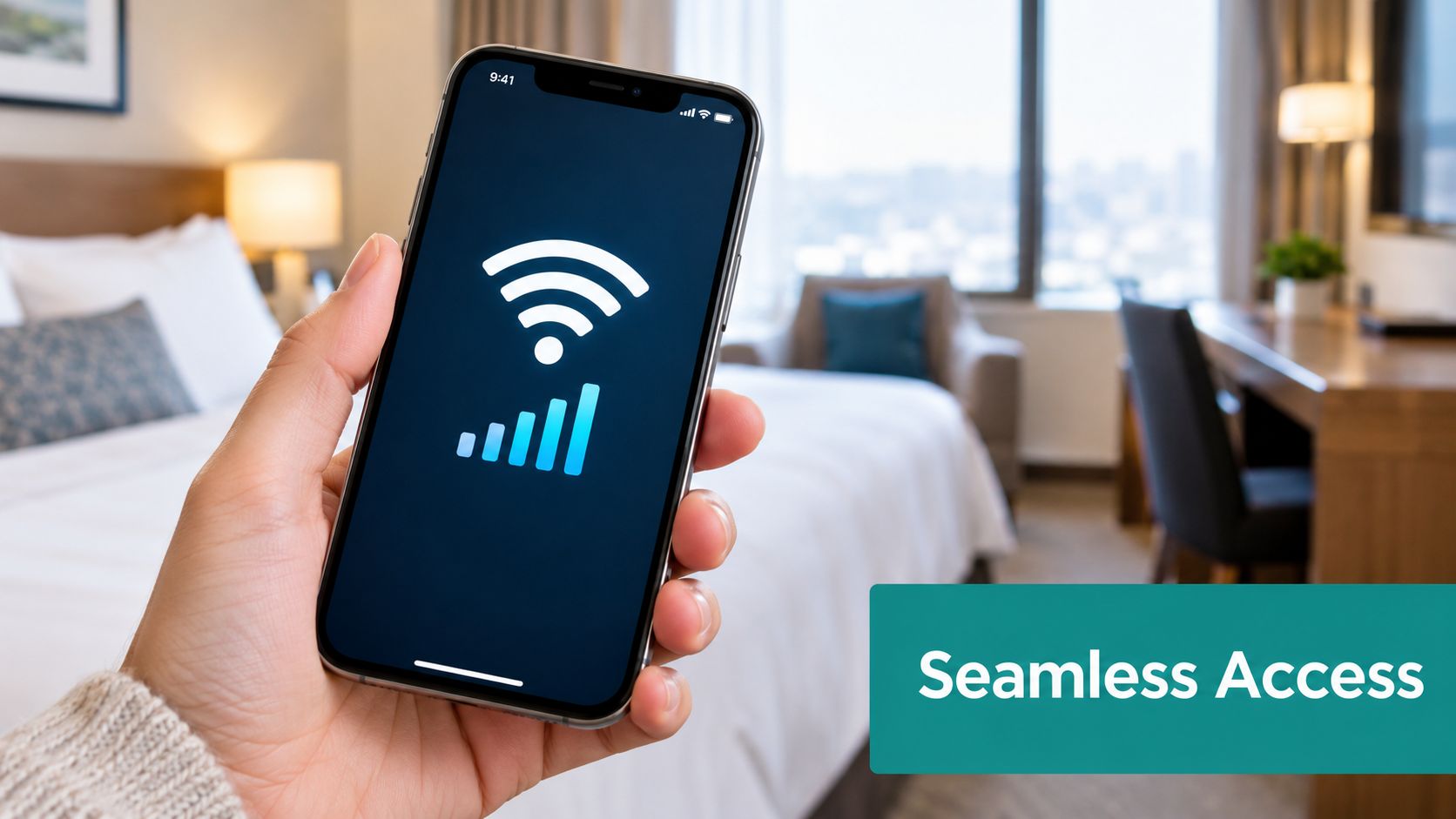
A guest checks in, drops a bag in the room, and reaches for a phone before unpacking. They may need to message family, confirm transport, open a work application, or connect a second device. According to the Roomzzz survey cited by Budget Travel, 65% of hotel guests go online within seven minutes of checking in, while one third request the Wi-Fi password as soon as they arrive.
That timing matters. The hotel password wifi experience starts before the guest has settled into the room. If a receptionist has to repeat the same code several times, or a guest loses a printed card, connectivity friction appears during the most sensitive part of the stay. A shared password also makes every device look the same from the network's perspective, which limits the hotel's ability to manage access by guest, room, device, or checkout status.
Why the first minutes matter
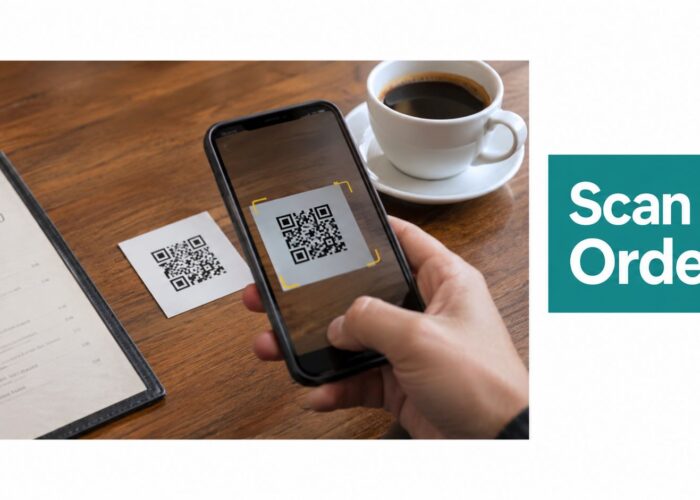
The arrival process often includes several small tasks, such as collecting keys, asking about breakfast, finding the lift, and locating the room. Asking for Wi-Fi details may seem minor, but it adds another interruption for staff and another decision for guests. A hotel can remove much of that friction by placing authentication inside a branded captive portal, offering a QR-based flow, or using a room validation process.
Industry reporting from Hospitality Technology reinforces the commercial importance of the service. More than 90% of surveyed guests described hotel Wi-Fi access as “very important,” and 58% said Wi-Fi quality was highly likely to affect booking decisions, as reported in this hospitality Wi-Fi guide. The same report found that more than 80% had encountered hotel Wi-Fi that disappointed them, while 53% said they'd be unlikely to return if the service failed to meet expectations.
Practical rule: Treat Wi-Fi onboarding as part of check-in, not as a technical detail guests can solve later.
The shared-password bottleneck
A single password appears simple because staff only need to remember one code. In practice, the hotel must communicate it accurately, keep it current, explain which SSID to select, and help guests when a device doesn't open the login page. The same code may also circulate beyond the property, remain active after checkout, or be reused across areas that need different access rules.
That doesn't mean every small property must install a complex enterprise system immediately. It does mean operators should separate two goals: making connection easy and keeping access controlled. Cisco and Meraki environments can support that separation by combining managed wireless infrastructure with a guest-facing authentication flow, rather than asking one shared password to do every job.
Understanding Shared Passwords vs Individual Keys
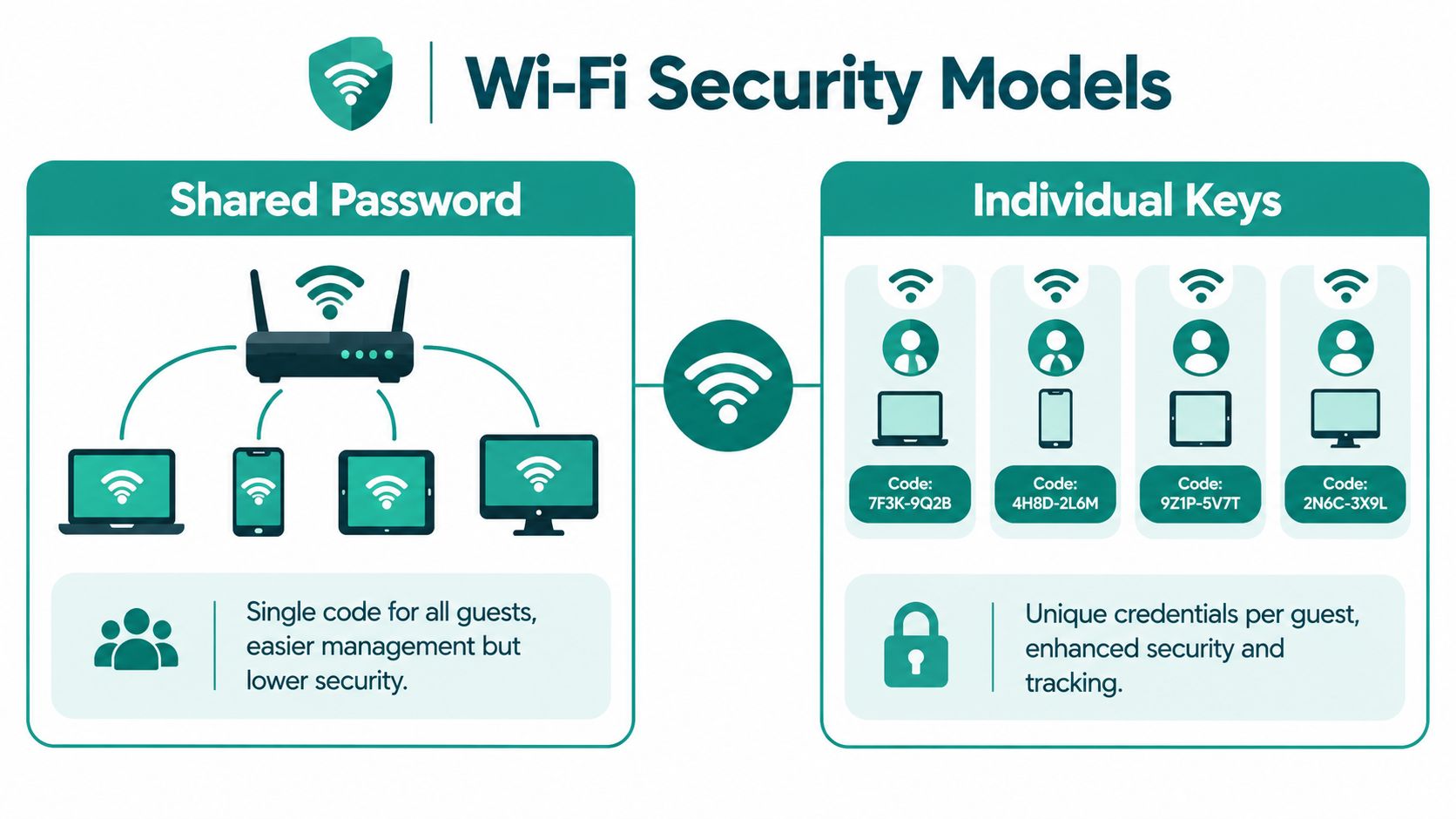
A shared Wi-Fi password is like one master key left at reception. Every guest receives the same credential, and the network has no practical way to distinguish one guest device from another using that key alone. On WPA2-Personal, this is a shared pre-shared key model, while WPA2/WPA3-Enterprise and per-device IPSK provide unique or per-session credentials with stronger control, as explained in this comparison of hotel Wi-Fi security models.
The risk is straightforward. If one guest writes the password on a public notice, shares it with someone outside the hotel, or leaves a room card behind, the credential can expose the broader guest network. Changing it then affects every current guest, every printed instruction, and every device that has already been configured.
For a plain-language explanation of the underlying model, see what a pre-shared key means for Wi-Fi access.
The individual-key alternative
Identity-Based Pre-Shared Keys, or IPSK, keep the familiar idea of a password while giving each user or device a separate credential. Think of a hotel issuing a different room key to each guest instead of handing everyone the same master key. If one credential needs to be removed, the operator can deal with that identity or device without forcing the whole property to reconnect.
An IPSK arrangement can use a single SSID while assigning unique passwords to individual devices or users. In a hotel, the credential can connect with PMS check-in data, become valid for the stay, and expire at checkout, according to this guide to identity-based Wi-Fi security.
| Access model | Guest experience | Operational control |
|---|---|---|
| Shared WPA2-Personal password | Familiar, but guests must find and enter the same code | Limited identity, expiry, and revocation control |
| Captive portal | Guests complete a branded login or consent step | Supports policy, room validation, and session rules |
| IPSK or EasyPSK | A device or user receives an individual credential | Supports targeted revocation and stay-based access |
| WPA2/WPA3-Enterprise | Devices authenticate through managed identities | Strong fit for managed corporate or institutional devices |
Why the distinction matters
IPSK isn't only a security upgrade. It can also reduce the need to print, repeat, and reset a universal code. A hotel can give a guest a QR code or login flow, create an individual key behind the scenes, and let the system manage the credential's lifecycle. EasyPSK can be used as a practical label for this simpler individual-key experience, especially when the goal is to retain password-like convenience without retaining the weaknesses of one shared password.
The guest may not notice the technical difference. That's the point. The property gets better control, while the guest gets a connection process that feels familiar.
How Captive Portals Change the Onboarding Flow
A captive portal is the web page that appears before normal internet access is granted. Instead of asking a guest to type a permanent hotel password into a device's Wi-Fi settings, the network can guide them to a branded page where they accept terms, enter a room number, provide an email address, use an SMS code, or complete another approved authentication method.
The portal is the front door. The Wi-Fi encryption, segmentation, and access policy are the locks and internal corridors behind it. A splash page by itself doesn't encrypt traffic, so hotels still need appropriate WPA2-AES or WPA3 protection and separation between guest traffic, staff systems, and property-management services.
A smoother connection sequence
A practical hotel flow can look like this:
- Select the guest network. The guest chooses the hotel SSID from a phone, laptop, or tablet.
- Open the branded splash page. The portal presents the hotel identity, terms, privacy information, and a clear next step.
- Choose an authentication option. The guest may validate a room, enter an email, use an SMS one-time password, scan a QR code, or sign in through a supported social login.
- Apply the access policy. The network assigns the appropriate session, bandwidth, device, and validity rules.
- Continue automatically. The guest reaches the internet without repeated front-desk intervention.
Cisco Meraki infrastructure can provide the managed wireless foundation, while a platform such as Splash Access can present the guest-facing portal and connect authentication workflows to business systems. The design should keep the page short, mobile-friendly, and clear about what the guest needs to do.
What the portal should protect
The portal can collect consent, validate a room number, or support a promotional message, but it shouldn't be treated as the entire security design. The guest network should remain isolated from reception computers, payment systems, cameras, printers, staff devices, and property-management systems. This prevents successful guest authentication from becoming a path into private hotel operations.
A portal can also help the hotel apply different rules for different audiences. A checked-in guest, a conference attendee, a restaurant visitor, and a staff member may need separate credentials or bandwidth policies. The network can remain easy to join while the backend keeps those groups distinct.
A good captive portal hides complexity from the guest without hiding control from the operator.
Modern devices create another challenge. VPNs, DNS-over-HTTPS, randomized MAC addresses, HTTPS and HSTS behavior, DHCP exhaustion, and incomplete allowlists can interfere with captive-portal detection. That means a guest may have the right password and still fail to reach the login page. QR onboarding, device memory, individual credentials, and carefully tested allowlists can reduce these failures, but the hotel should test the flow on current phones and laptops rather than assuming the portal will work automatically.
Leveraging Social Login and Sponsor Access
A room-based login suits hotel residents, but many visitors have no room number. Retail shoppers, campus visitors, office guests, and conference attendees need another way to connect. Giving every user one shared hotel password makes access easy to pass along and difficult to associate with a specific person or visit.
Guest Wi-Fi platforms can offer social login, email registration, SMS one-time passwords, PMS room validation, sponsored access, and Passpoint or Hotspot 2.0 profiles for repeat connections, as described in this overview of captive portal authentication methods. Each option answers a different access problem, so the right choice depends on the visitor's relationship with the organization.
Social WiFi for familiar access
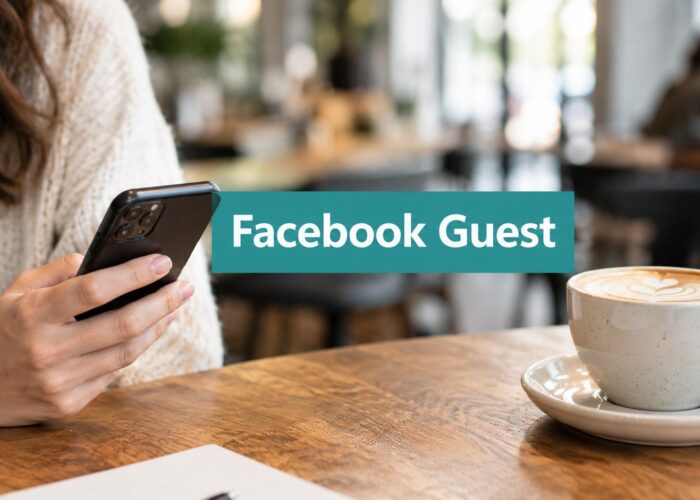
Social login lets guests use an existing social profile instead of creating another password. The portal can reduce typing, display the brand's consent message, and request permission for future communications. The hotel should state what information it collects and keep marketing consent separate from the basic permission needed to reach the internet.
For implementation details, see how wireless social login works with captive portals. The approach fits retail and hospitality settings where visitors already engage with the brand through social channels. It can also create a consistent sign-in experience across a lobby, restaurant, shopping center, or event area.
Social login depends on an outside provider. A provider may change its sign-in process, a guest may avoid using a social account, or the device may block the required pop-up. A second route, such as email, SMS, room validation, or a voucher, gives the guest another door instead of leaving one locked.
Sponsored access for visitors
Sponsored access gives an approved employee, resident, member, or host responsibility for a visitor's connection. The sponsor usually sends a controlled invitation or creates a temporary credential. An office employee can approve a contractor, a faculty member can authorize a campus visitor, and hotel staff can issue time-limited access to an event attendee without a room.
| Method | Best fit | Main consideration |
|---|---|---|
| Social login | Guests comfortable using an existing profile | Provide a non-social alternative |
| Email registration | Visitors who want a simple account flow | Keep consent and required fields clear |
| SMS one-time password | Users with a reachable mobile number | Avoid making the process longer than necessary |
| Room validation | Hotel guests with active stays | Connect rules to current guest data |
| Sponsored access | Corporate, education, and event visitors | Give sponsors a simple approval workflow |
| Passpoint or Hotspot 2.0 | Repeat users and managed experiences | Requires compatible device and network planning |
An effective strategy matches the identity method to the user's relationship with the organization. IPSK can give approved devices or users individual network keys, while Social WiFi and sponsored access handle visitors who need a guided entry point. Together, these choices replace the shared-password model with access that is easier to explain, limit, and trace across hotels, education, and retail.
Integrating Splash Access with Cisco Meraki
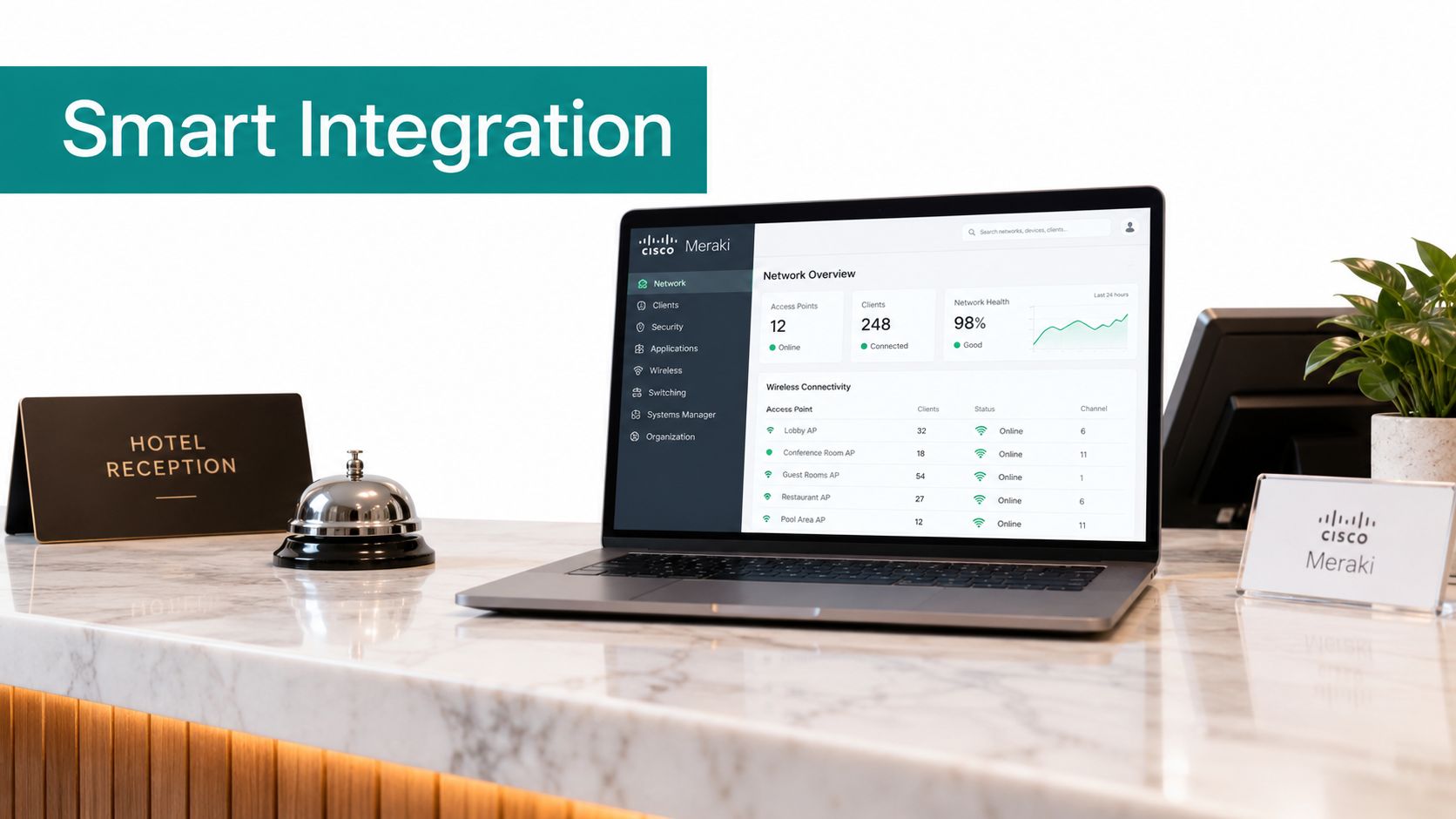
Cisco Meraki provides a useful foundation for centrally managed wireless networks, while an authentication layer determines how guests enter, what they can access, and how long the session remains valid. The combination matters because a hotel doesn't only need an access point that broadcasts an SSID. It needs a guest journey that connects check-in, consent, access rules, support, and reporting.
For a hotel, the workflow may begin with a PMS event. A guest checks in, the system creates an individual credential or authorizes a room-based login, and the captive portal presents the next step. A QR code can reduce typing, while an API-driven workflow can pass the relevant identity or stay information between systems. At checkout, the property can expire the credential rather than leaving a permanent shared key active.
One architecture across sectors
The same design principles apply beyond hospitality:
- Hotels: Connect room validation, PMS data, branded portals, QR onboarding, and stay-based access.
- Education: Separate student, faculty, visitor, dormitory, and IoT access while supporting BYOD.
- Retail: Use social WiFi, email, SMS, or sponsored access for shoppers and store visitors.
- Corporate offices: Keep managed devices on enterprise authentication while giving visitors a controlled guest path.
- Healthcare and senior living: Separate guests, residents, staff, clinical devices, and building systems.
Corporate BYOD needs particular care. A personal phone shouldn't receive the same access as a managed laptop, and neither should share a network path with IoT devices. A phased design can segment managed devices, BYOD, IoT, and guest access, use IPSK as a bridge for legacy equipment, and move managed endpoints toward 802.1X or EAP-TLS with SSO-based onboarding.
The role of IPSK and EasyPSK
iPSK gives each device or user a unique Wi-Fi password on a single SSID. In hotels, the credential can be tied to PMS check-in data, generated when the guest arrives, used during the stay, and expired at checkout, as detailed in this guide to iPSK for Wi-Fi security.
Splash Access supports Cisco Meraki guest Wi-Fi workflows with branded login pages, QR-code onboarding, voucher access, WPA2 and IPSK authentication, social WiFi, and API-driven processes. Its guest Wi-Fi login page tools can fit different access models, but the operator still needs to decide which identity method belongs to each user group.
The strongest deployment is rarely “one tool for everyone.” It's a defined set of paths: room validation for hotel guests, social login or email for public visitors, sponsored access for business guests, and enterprise authentication for managed corporate or education devices.
Choosing the Right Authentication Strategy
The simplest shared password is easy to explain, but it offers the least control. Once a credential spreads, the hotel can't reliably tell who is using it, whether the user is still a guest, or which device should be removed. That limitation becomes more serious as a property adds public areas, premium access, staff systems, smart devices, and corporate BYOD.
The technical case for change is also clear. Moving from a shared Wi-Fi password to WPA3-SAE or per-device provisioning improves resistance to offline password cracking and scales better across dense guest populations, according to this hotel guest Wi-Fi architecture guidance.
Match the method to the user
A hotel can use a room-based portal for checked-in guests, IPSK or EasyPSK for individual device credentials, and vouchers for visitors or events. A retail business may prefer social WiFi, email, or SMS. An education provider may combine enterprise authentication for managed users with a separate guest portal. A corporate office can place managed devices on 802.1X or EAP-TLS, while BYOD and visitors use controlled guest access.
Use these questions to choose:
- Who is connecting? A resident, shopper, student, employee, visitor, or managed device?
- Should access expire? Stay-based and event-based users generally need lifecycle control.
- Does the user need identity tracking? Individual credentials provide more useful control than one shared code.
- How much friction can the audience tolerate? A QR code or social login may suit visitors, while managed devices can support stronger automated authentication.
- What must remain private? Guest Wi-Fi should be isolated from staff, payment, clinical, educational, and property-management systems.
A shared password can remain a temporary starting point for a small, low-risk environment, but it shouldn't be the default long-term strategy for a modern hotel. Captive portals, social WiFi, room validation, IPSK, EasyPSK, and enterprise authentication let operators balance convenience with accountability. Guests get a clearer path online, while staff gain better control over credentials, sessions, and network boundaries.
Splash Access provides Cisco Meraki-compatible captive portals, branded guest Wi-Fi login flows, QR-code onboarding, voucher access, social WiFi, WPA2, IPSK, and EasyPSK options for hospitality, education, retail, and corporate BYOD environments. Visit Splash Access to assess an authentication flow that fits your property, campus, store, or workplace.