A visitor arrives at a café, hotel, shop, campus building, or office, opens a phone, joins the guest Wi-Fi, and lands on a captive portal. If that portal asks for a long form before allowing a simple connection, many people will close it and use mobile data instead. Facebook login as guest can remove that registration hurdle, but it works best when it sits inside a wider authentication plan rather than carrying the entire guest network alone.
For network teams, the practical question isn't whether social Wi-Fi sounds convenient. It's whether Facebook authentication fits the venue's privacy expectations, device mix, marketing goals, and Cisco Meraki policy design. The right answer may combine social login for visitors, IPSK or EasyPSK for managed devices, and sponsored access for guests who need a more controlled approval path.
Why Facebook Login as Guest Just Makes Sense
A guest Wi-Fi session usually begins with a small moment of friction. The visitor joins the SSID, the splash page opens, and a form asks for an email address, name, and perhaps several optional fields. Every extra tap creates another opportunity to abandon the connection. Social login changes that sequence by letting the guest authenticate through a familiar identity provider before the captive portal grants access.
The workflow is straightforward:
- Join the guest SSID: The phone associates with the Cisco Meraki wireless network.
- Open the splash page: Meraki redirects the browser to the captive portal.
- Choose Facebook: The guest approves the requested permissions in Facebook's authentication flow.
- Return to the portal: The portal validates the response and applies the configured access policy.
- Start the session: The guest receives network access under the assigned VLAN, bandwidth policy, and session rules.
Facebook's identity layer was already embedded across apps and websites by 2013. The Next Web reported that the feature formerly known as Facebook Connect was being used to connect users to apps at least 850 million times per month in its reporting on Facebook login adoption. That history helps explain why a Facebook button became familiar in hospitality, retail, and campus guest Wi-Fi flows.
The platform's audience remains broad. Buffer, citing Statista, reported 3.07 billion monthly active Facebook users in Q1 2025, nearly 40% of the global population in its overview of Facebook's audience. A venue doesn't need every visitor to use Facebook for the option to be useful. It only needs the button to give willing guests a quicker route than manual registration.
Practical rule: Offer social login as a convenience, not as a forced identity exchange.
The marketing benefit comes from information a guest voluntarily authorizes, such as a name or email address, subject to the permissions requested and the venue's privacy notice. A café might use that consent for a Wi-Fi welcome campaign. A retailer might connect a visitor to an opted-in loyalty journey. A campus network might keep the flow focused on access and avoid collecting more than it needs.
The old paper-and-email approach still has a place, especially where privacy or policy matters more than speed. But for high-dwell locations, fewer fields and fewer taps create a friendlier first impression. Social Wi-Fi is most valuable when the guest wants connectivity immediately and the venue wants a clear, consent-based onboarding path.
Setting Up the Captive Portal with Cisco Meraki and Splash Access
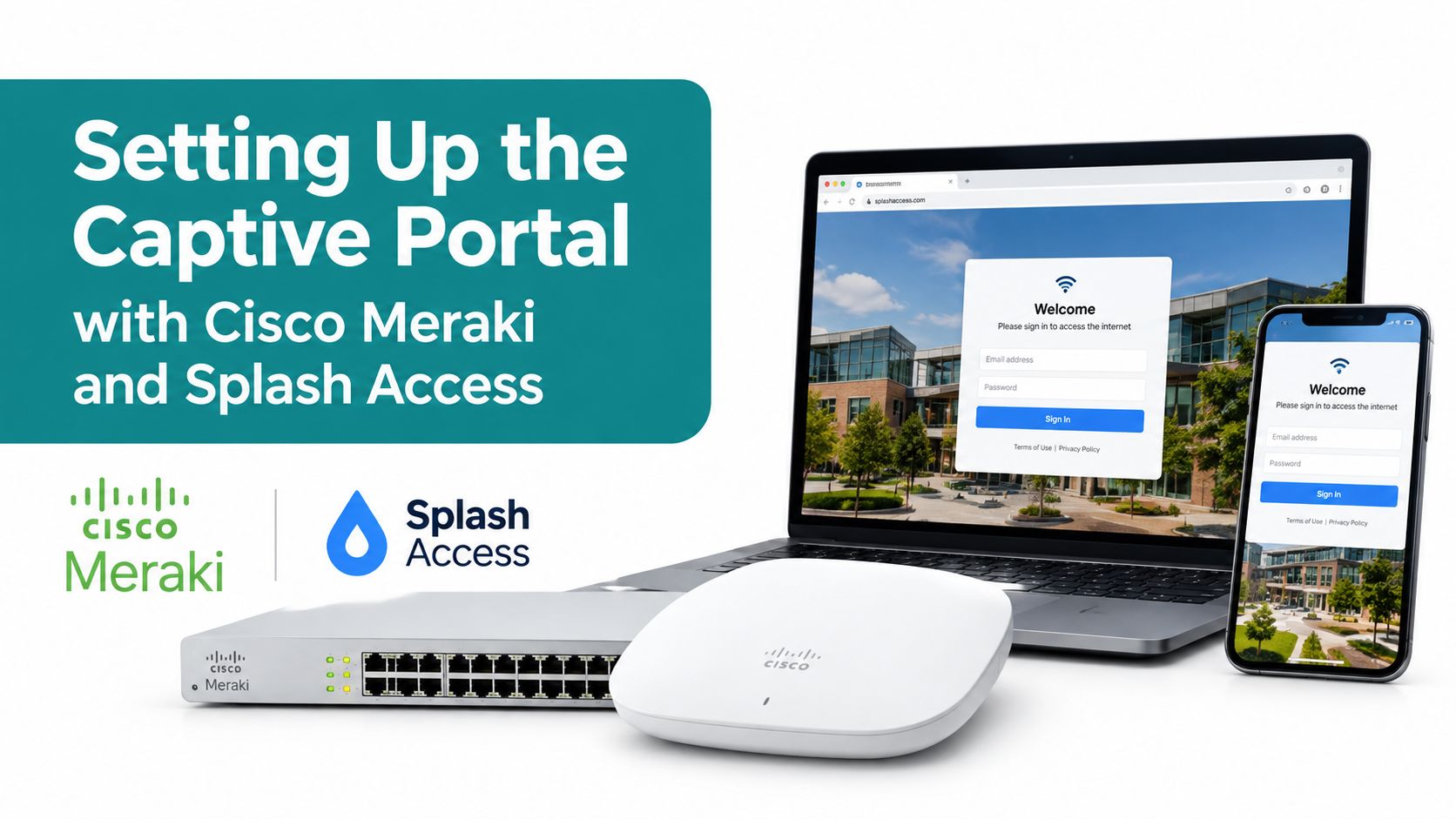
Start with the network boundary, not the Facebook button. In the Cisco Meraki dashboard, create or edit the guest SSID, select the intended access-control mode, and decide whether the SSID will use a splash page, an external captive portal, or another authentication method. Keep guest traffic separated from internal resources through the appropriate VLAN and firewall policy.
For an external workflow, configure the Meraki splash page to hand the browser to Splash Access. The portal then presents the Facebook social login option alongside any alternatives you want to support, such as email registration or click-through access. The captive portal configuration documentation is the useful reference point for checking the redirect and portal-side settings.
Inside the portal service, the deployment normally follows this order:
- Create the social login application: Select Facebook as the identity provider and enter the application credentials issued for the integration.
- Register the callback URL: The return address must match the value registered in the Facebook developer configuration. A mismatch commonly produces a redirect error even when the credentials are correct.
- Define requested permissions: Ask only for fields the guest experience requires. A Wi-Fi portal shouldn't request broad access just because the platform makes it available.
- Map a successful session: Associate the authenticated result with the guest profile and apply the intended access policy.
- Set session controls: Confirm the VLAN, bandwidth profile, idle behavior, and session timeout before testing from a real phone.
IPSK and EasyPSK belong in the same design conversation, but they solve a different problem. A walk-in visitor can use social login through the splash page, while a point-of-sale tablet, printer, sensor, or repeat corporate device can use a private pre-shared key without trying to complete a portal interaction. Cisco Meraki documents IPSK with RADIUS and Easy PSK under the wireless access-control workflow, and notes that the splash page must be set to None for the iPSK use case because many IoT devices can't complete splash interactions in its IPSK with RADIUS guide.
Before opening the SSID to guests, check these items:
- Meraki SSID: Confirm the SSID role, VLAN, firewall rules, splash behavior, and walled-garden allowances.
- Portal redirect: Verify that the external portal receives the expected Meraki parameters and returns the guest to the correct access flow.
- Facebook application: Check the application status, callback address, permissions, and production settings.
- Policy mapping: Confirm that successful authentication produces the intended group policy and session treatment.
- RADIUS posture: Keep RADIUS-backed IPSK separate from the social-login path, then test both independently.
- Device coverage: Test iOS, Android, Windows, and managed BYOD browsers, not just the administrator's laptop.
How Social Wi-Fi Fits Next to IPSK, EasyPSK, and Sponsored Guest
A busy café may need Facebook login for walk-in customers, IPSK for staff devices, and Sponsored Guest for a visiting contractor. Each method handles a different access decision. The right design gives every device or visitor a clear path instead of forcing one login flow to serve everyone.
Cisco Meraki's guest-wireless guidance lists several access models, including an open network, a rotated PSK network, guest accounts in an authentication server, and splash-page login with username and password in its guest Wi-Fi guidance. Facebook login adds a social identity option, while Splash Access can connect that portal experience to the wider Meraki authentication toolkit. It should complement the other methods, not replace them.
| Method | Best For | Login Speed | Data Captured | Privacy Posture |
|---|---|---|---|---|
| Facebook social login | Retail visitors, café guests, hotel customers, and casual campus access | Fast when already signed in | Permission-dependent identity fields | Requires clear consent and third-party identity processing |
| Sponsored Guest | Contractors, visitors, and VIP guests needing approval | Slower because a sponsor verifies access | Details required by the approval workflow | More controlled through human approval |
| IPSK with RADIUS | Known devices, IoT equipment, and managed repeat connections | Fast after provisioning | Device and identity mapping set by the operator | Strong control when keys and policies are managed carefully |
| EasyPSK | Smaller deployments and repeat devices needing separate keys | Fast after the key is issued | Key, device, and group-policy relationship | Reduces shared-password exposure when identities use separate keys |
| Click-through splash | Casual access where identity capture is not needed | Very fast | Little or no identity data | Collects less data but provides weaker identity assurance |
Sponsored Guest deliberately adds friction. Cisco Meraki's workflow requires the guest to request access from a sponsor on an approved email domain. The sponsor then receives a confirmation message and verifies the guest in the Sponsored Guest documentation. That process fits a corporate office or restricted event area better than a busy retail entrance.
IPSK without RADIUS creates a key-to-group-policy mapping for each identity. An administrator can name the key, set its password, attach a group policy, and review the mapping after saving in the Cisco Meraki IPSK guide. For a RADIUS-backed deployment, see the IPSK with RADIUS authentication guide.
The practical split is straightforward. Education networks can use IPSK for Chromebooks, dorm devices, and equipment, then offer Facebook login to visitors. Retail venues often use social Wi-Fi for walk-ins and EasyPSK for staff or repeat devices. Corporate BYOD networks may keep EasyPSK for recurring personal devices, Sponsored Guest for approved visitors, and social login for short-term access where collecting a social identity is acceptable. Testing each path separately helps expose policy, VLAN, and device-compatibility problems before guests encounter them.
Understanding the Data Facebook Shares During Social Login
The button itself isn't the data policy. The permission screen and your portal configuration determine what the guest authorizes, and the venue remains responsible for explaining what it stores and why.
A practical implementation separates three things:
- The guest's view: The splash page should state which fields the portal requests, whether access depends on consent, and whether marketing messages are optional.
- The portal record: The system may store an identity reference, name, email address, profile image, session timestamps, policy assignment, and consent status, depending on the integration.
- The upstream token: The portal may retain or cache a token for session continuity, but that token has a lifecycle and shouldn't be treated as a permanent password.
The fields often discussed in a Facebook social-login integration include name, email, profile picture, age range, locale, and, in some situations, a confirmed phone number. Don't promise every field to every guest. Availability depends on Facebook permissions, the user's account, platform rules, and whether the guest approves the request.
| Data Field | Default Permission | Typical Captive Portal Use |
|---|---|---|
| Name | Requested only if configured and approved | Display a personalized welcome or associate a consent record |
| Email address | Requested only if configured and approved | Send an opted-in Wi-Fi message or match an existing customer record |
| Profile picture | Optional and usually unnecessary | Personalize an account view, if the venue has a clear reason |
| Age range | Restricted and permission-dependent | Apply age-appropriate experiences where legally justified |
| Locale | Permission and availability dependent | Select language or regional portal content |
| Confirmed phone number | Not guaranteed and may require additional permission | Support identity matching or recovery workflows when appropriate |
The cleanest splash-page copy is specific: “Continue with Facebook to request guest Wi-Fi access. We'll use the information you approve to create your network session. Marketing messages are optional, and you can use an alternative access method if you don't want to connect Facebook.” Then link to the venue's privacy notice before the button.
Operators should also provide a way to handle access, deletion, correction, and objection requests. The data subject rights guidance can help teams document that process, but legal review still matters because GDPR and CCPA obligations depend on the organization, location, data categories, and processing purpose.
Fixing the Most Common Facebook Login Headaches
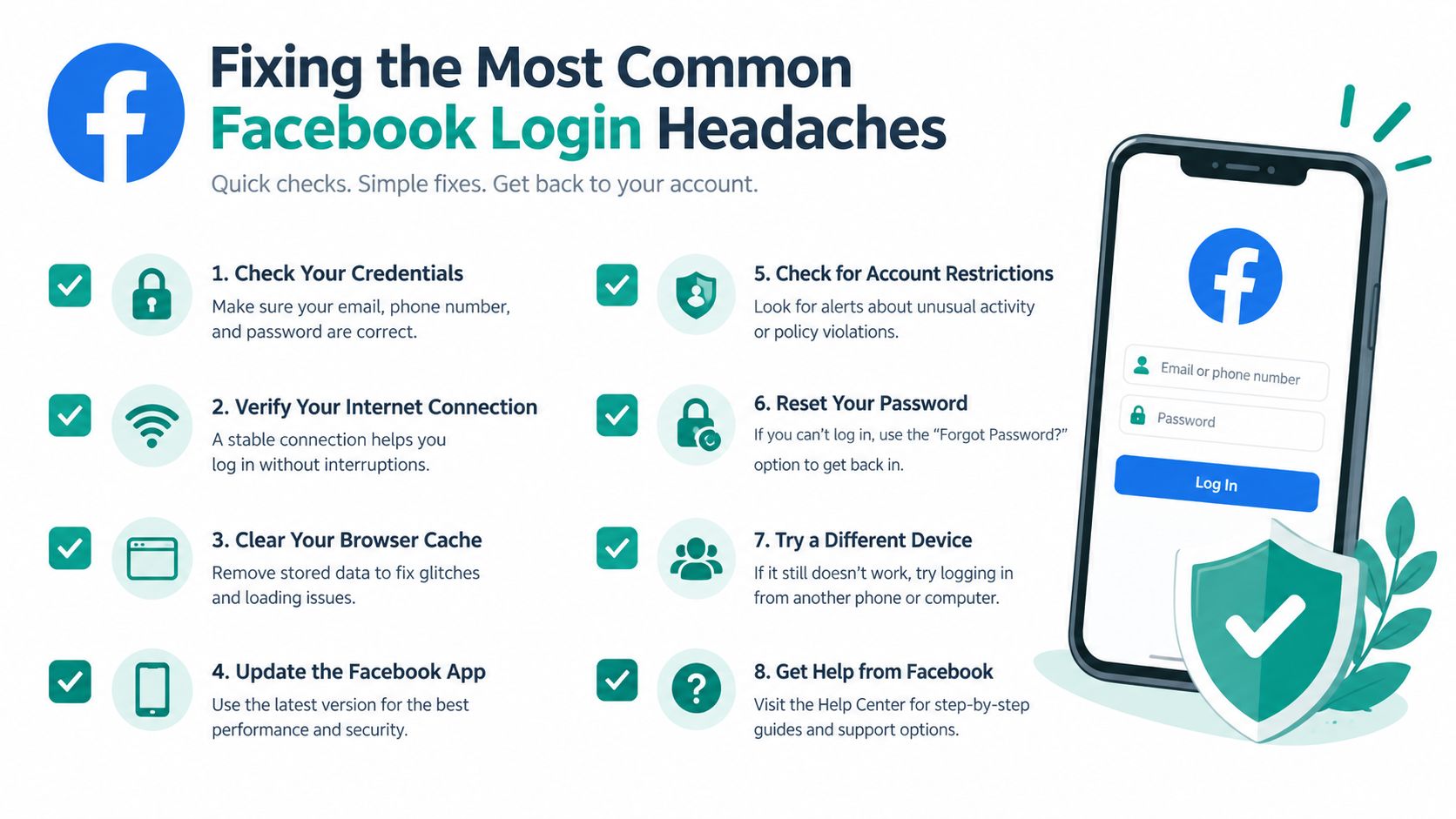
Most failures fall into one of three places: the Facebook application, the Meraki path, or the client device. Start by identifying which boundary failed instead of resetting every password in sight.
Check the application and redirect first
An expired authorization result, an incorrect callback address, or a disabled Facebook Login product can stop the flow before the guest ever returns to the portal. Facebook's newer authorization lifecycle includes an authorization_expired status for expired tokens, while its August 2026 update added a one-tap prompt for users who are already signed in in the Facebook Login changelog. The one-tap experience can help returning users, but it doesn't remove first-time approval or token-expiration failures.
Confirm the application credentials, callback URL, requested permissions, application mode, and token handling. Don't assume a successful test in a developer account proves the production guest flow works.
Trace the network path
A Meraki SSID can be healthy while the OAuth exchange fails because firewall rules or a restrictive walled garden block the required Facebook callback domains. SSL inspection can also interfere with the browser's trust and redirect sequence. Check the Meraki event log, splash redirect behavior, and portal session trace in that order.
If the portal sends the guest into a RADIUS fallback loop, compare the policy returned for social authentication with the policy expected by the SSID. A mismatch between authentication success and authorization assignment often looks like a portal failure because the browser returns but the device still has no usable network access. If the captive portal doesn't appear at all, use the captive portal troubleshooting guide to separate DNS, browser, SSID, and redirect problems.
Account and browser issues need their own test
Facebook login supports an email address, confirmed phone number, or username with a password. Two-factor authentication may require approval on another device, a recovery code, identity verification, or trusted-contact recovery, and Facebook says identity recovery is typically reviewed within 1 to 2 business days in its account recovery help. A correct password won't always complete a guest-style login when the account is locked, the session is flagged, or the second factor isn't available.
Test with a private browser window, but explain its limits to staff. Facebook doesn't provide an official anonymous guest mode. Logged-out or incognito browsing can reach some public pages, while much of Facebook's content still prompts for login, and incognito doesn't make the user anonymous beyond local browser storage as described in this explanation of anonymous Facebook browsing.
Bringing It All Together for a Modern Guest Experience
A reliable guest network gives people choices. Facebook social login works well when speed and voluntary profile sharing matter. IPSK and EasyPSK are better for repeat devices that shouldn't see a splash page every time. Sponsored Guest fits visitors who need a named employee to approve access. A simple click-through option can serve people who only need connectivity and don't want to share an identity.
Use the venue's behavior to choose the mix:
- Retail and hospitality: Put social Wi-Fi near the front of the experience, with a clear alternative for guests who don't use Facebook.
- Education: Use IPSK or RADIUS-backed policies for recurring student and device access, then reserve social login for visitors and events.
- BYOD corporate networks: Use EasyPSK for repeat personal devices, and sponsored approval for contractors or sensitive areas.
- Conference spaces: Combine a fast social option with controlled credentials for exhibitors, staff, and equipment.
Facebook login as guest is a friction reducer, not a complete identity strategy. It depends on account availability, permissions, browser behavior, upstream security, and a working token lifecycle. Facebook also concentrates risk in the connected account. If that account is compromised, services using the social identity may be exposed without a separate local password, so operators should avoid treating social authentication as a substitute for sound network segmentation and policy enforcement.
A sensible rollout starts with one Cisco Meraki guest SSID. Test the Facebook flow, captive portal redirects, VLAN assignment, RADIUS behavior, browser compatibility, and the fallback method with real devices. Then review operational evidence, including failed sessions, support requests, consent records, and guest feedback, before expanding the design across locations. Guidance on improving customer experience can help connect those network checks with the broader visitor journey.
Splash Access provides Cisco Meraki guest captive portals with social Wi-Fi options, customizable splash pages, and authentication workflows that can sit alongside IPSK and other access methods. Review the available Facebook login and guest Wi-Fi capabilities, then visit Splash Access to plan a practical pilot for your venue, campus, retail site, or BYOD office.