If your guests find you on a phone, book through someone else, and then connect to your Wi-Fi without leaving a usable, consented contact record, you've paid for the stay twice. Good hotel marketing software fixes that chain. It doesn't just send prettier emails. It connects discovery, direct booking, on-property data capture, and follow-up offers so you can prove which activity produced revenue.
Why Hotel Marketing Software Matters Now
D-EDGE's 2024 Hotel Distribution Report found that digital channels generated 60% of global hotel distribution revenue on average. That's the challenge to the old assumption that marketing software is a back-office extra. If most revenue now moves through digital routes, the system that manages those routes is core commercial infrastructure.
The same report puts the direct-booking problem in plain numbers. In 2023, hotel websites accounted for 28.8% of online revenue, while indirect channels, primarily online travel agencies and other intermediaries, accounted for 71.2%. Mobile traffic represented 70 to 80% of hotel website traffic, and metasearch advertising generated 39.2% of ad-driven direct revenue for D-EDGE clients in 2023.
What the software actually connects
In plain terms, the platform links your booking website, mobile campaigns, metasearch ads, guest profiles, and booking measurement. A guest clicks an ad on a phone, lands on a responsive booking page, stays with you, joins guest Wi-Fi through a Captive Portal, and later receives a relevant return-stay offer. Without that joined-up layer, each step sits in a different tool and nobody can tell what worked.
Independent hotels buy it because they don't have a data team to stitch systems together by hand. Groups buy it because they need one view across properties instead of separate lists that never match. If you're weighing the wider commercial picture, it's worth reading hospitality marketing advice from Carlos Alba Media alongside current hospitality technology trends before you shortlist vendors.
Carry one test through every demo. Will this tool turn more visits into direct bookings you can measure, or will it just produce more traffic and nicer reports?
That question separates a revenue system from a newsletter tool. Traffic you can't convert through owned channels leaves the guest relationship, and the first-party data, with somebody else.
Scoring Platforms on Criteria and Segmentation
Don't score a platform on how fast a salesperson can build a campaign. Score it on whether it can build the right audience, trigger messages at the right moment, and show bookings by segment. The table below is the scorecard I'd take into every demo.
| Criterion | What to verify | Benchmark or reference | Why it matters |
|---|---|---|---|
| Segmentation | Dynamic audiences from PMS and CRM data | Segments of 5,000 or fewer recipients convert at 0.32% vs 0.07% for lists above 50,000 | Smaller, relevant lists convert better |
| Automation coverage | Event-triggered flows for pre-arrival, booking change and cancellation | Average adoption 37%, highly active operators above 60% | Messages run without staff sending each one |
| PMS and booking engine integration | Native sync with Opera Micros or the property system in use | Confirm sync direction, update frequency, and error reporting in the demo | Keeps stays and guest profiles current |
| Guest Wi-Fi capture | Captive portal with social login or sign-on and consent fields | Cisco Meraki captive portal supports click-through and sign-on | Creates permission-based data at first connection |
| Consent management | Granular opt-in, withdrawal and audit trail | Every record shows status, source, wording, and date | Keeps messaging lawful across regions |
| Data residency | Where guest data is stored and processed | Ranked second only to ROI in a 2025 study of 21,000+ properties | Governs where guest records can legally sit |
| Revenue measurement | Bookings attributed per campaign, with holdout groups | Conversion equals completed bookings divided by sent emails, 2024 North American average 0.2% | Separates engagement from revenue |
Segmentation first, not templates
An analysis in the hotel email marketing benchmark report covering approximately 226 million hotel emails found campaigns sent to segments of 5,000 or fewer recipients achieved a 23.54% open rate, 3.12% click-through rate, and 0.32% conversion rate. Campaigns sent to more than 50,000 recipients achieved 9.76%, 1.08%, and 0.07% respectively, so smaller segments produced roughly 3.6 times higher conversion.
That gap is why dynamic audience rules matter more than drag-and-drop editors. Say you want a spa package sent only to guests who stayed in the last 30 days, booked a double room, and opted in to offers. If building that audience means exporting a spreadsheet, the platform has already failed your busiest week.
Ask for these five things by name:
- Native PMS and CRM sync: profiles, stays, and preferences update without manual uploads.
- Event-triggered workflows: booking, pre-arrival, check-in, cancellation, and post-stay events start flows automatically.
- Suppression logic: a guest in a cancellation recovery flow doesn't also get a cheerful upsell.
- Segment-level reporting: bookings and revenue isolated by audience, not blended into one campaign average.
- Consent fields at capture: Wi-Fi, web, and front-desk sign-ups write permission into the same record.
Triggers beat newsletters
The same benchmark found pre-arrival messages reached a 60.53% open rate and 30.26% click-through rate. Guests open messages tied to a stay they're about to take. They ignore generic monthly roundups. So test pre-arrival upsells, booking change notices, and cancellation recovery before you test a newsletter template.
Integration depth decides whether those triggers fire at all. We have a hospitality solution that integrates Opera Micros with Cisco Meraki, and we offer API integration into third-party housing systems, because stale PMS data produces confident messages sent to the wrong people. Whatever you buy, check how it handles marketing automation integration with your existing stack, then score every vendor on every row using your own sample data rather than a polished case study.
Practical rule: Split reporting by transactional, lifecycle, and promotional campaigns. One blended average will hide your best flow and your worst list in the same number.
Login Methods Compared for Hotels, Campuses and BYOD
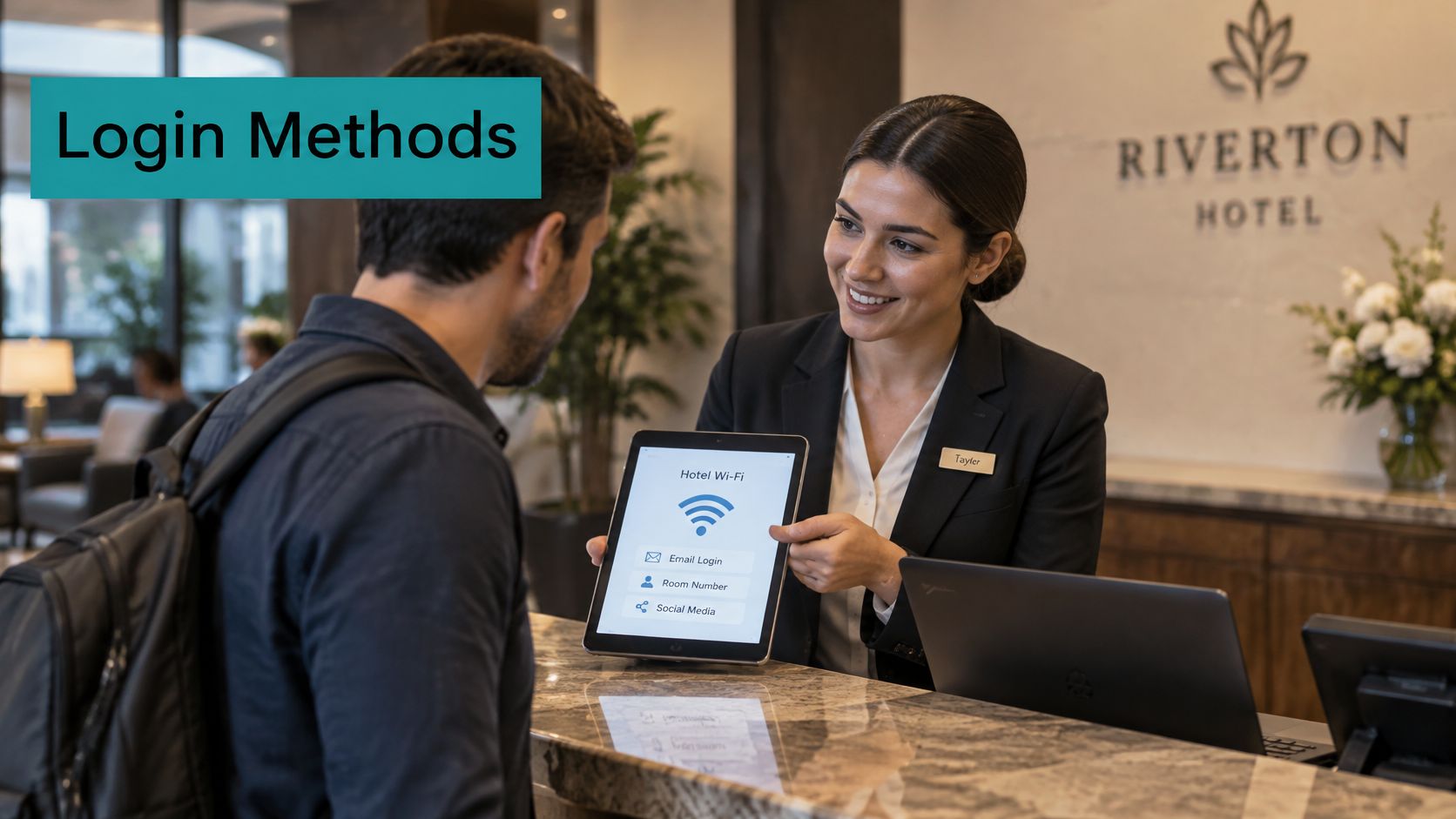
Which login method fits which guest? That's the question behind every Captive Portal decision, whether you're running a hotel lobby, a student residence, a retail unit, or corporate BYOD. Pick too light and you get no identity. Pick too heavy and people give up and use mobile data.
| Login method | Data captured | Best fit | Watch out for |
|---|---|---|---|
| Click-through | None unless paired with a form | Quick public guest access | No identity, so weak for marketing |
| Social login (Google, Facebook) | Name, email and profile basics | Hotel lobbies and retail | Consent wording must follow each platform's policy |
| SMS verification | Mobile number | Hotels and retail with messaging programmes | Needs SMS consent and carrier rules |
| Prepaid PIN or voucher | Voucher or PIN code, plus form fields if you add them | Events and paid access | Little marketing data unless tied to a form |
| IPSK (individual pre-shared key) | Device-level identity without personal data | Corporate BYOD and education dorms | Needs a key distribution workflow |
| EasyPSK | Per-user key identity | Per-user access on shared networks | Confirm details with your provider |
| RADIUS, Active Directory or LDAP | Staff or student identity | Corporate BYOD and campuses | Depends on existing directory health |
| Cisco ISE | Policy and device posture | Enterprise BYOD | Requires an ISE deployment |
Three groups, three jobs
Quick access methods, click-through and vouchers, get people online fast. They're fine for a conference foyer or paid event access. They tell your marketing platform almost nothing, so don't pretend a click-through splash page is a data strategy.
Marketing identity methods, social login and SMS, are where social WiFi earns its keep. A guest taps Google or Facebook, or verifies a mobile number, and you get a contactable identity tied to a consent choice. The trade-off is friction and rules. Social platforms control what profile data you receive and how you may use it, and SMS needs its own explicit permission, not a line buried in Wi-Fi terms.
Secure device access is a different job entirely. IPSK gives each device or user an individual pre-shared key, so you can revoke one student's key without changing the whole dorm password. EasyPSK follows a related per-user approach on shared networks, so confirm its exact workflow with your provider. RADIUS, Active Directory, or LDAP tie access to directories you already run, and Cisco ISE adds policy and posture checks on top.
Keep guest and BYOD traffic off your internal network
NIST guidance on securing external devices recommends separating external client devices, including BYOD and third-party-controlled devices, from the internal enterprise network, and checking a device's security posture before permitting internal-network use. In practice that means dedicated guest or BYOD segments, captive-portal authentication, and individual credentials such as IPSK or EasyPSK instead of one shared office or campus password pinned to a noticeboard.
For staff access, add stronger sign-on. We offer DUO, secure multi-factor authentication for Meraki Wi-Fi, which suits back-office and corporate SSIDs where a stolen password shouldn't be enough on its own.
Choose the lightest method that still gives you the identity and consent data the use case needs. Every extra field costs you completed sign-ins.
Turning Guest Wi-Fi Into a Data Source
Guest Wi-Fi is one of the few places where you meet a guest before any booking exists. A walk-in coffee guest, a conference delegate, a partner waiting in the lobby, none of them are in your PMS. A well-built Captive Portal turns that first connection into permission-based data your marketing platform can use.
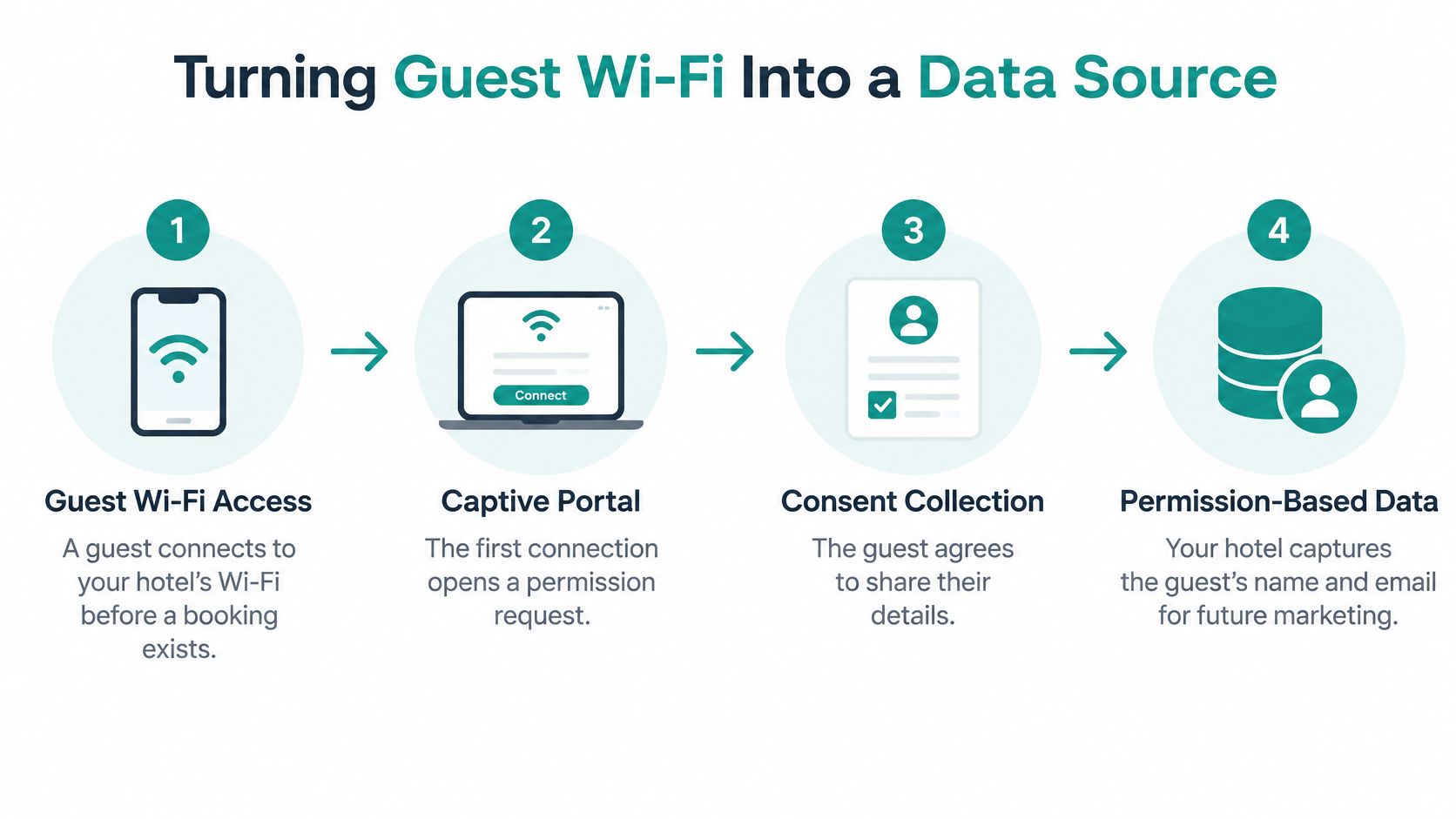
The six-step flow
- Guest joins the network. The guest selects your SSID and gets redirected to a hosted splash page. Keep the page fast and branded, because a slow redirect looks broken and guests retry on mobile data instead.
- Guest chooses a login. Offer click-through for quick access, or sign-on with social login such as Google or Facebook, SMS, or a prepaid PIN. Asking for five form fields at this point is the usual mistake. Two is plenty.
- Guest sees a consent screen. Show separate, unticked opt-ins for offers, newsletters, and location messages. A pre-ticked box may lift your list size this month and poison it for years.
- The platform records the profile. The record, with its consent status and source, writes to your CRM or PMS. If this step needs a weekly manual export, your welcome message arrives after checkout.
- Automation responds. A welcome message, a pre-arrival offer for a future stay, or a bar voucher triggers while the guest is still on property. Timing is the whole value here.
- Repeat connections get tracked. Return visits and dwell time tell you who comes back, which is the audience worth spending on. Counting only first sign-ins flatters acquisition and ignores loyalty.
Why the Meraki framework helps
The Cisco Meraki captive portal solution guide documents both click-through and sign-on workflows, with credentials validated by a Meraki-hosted authentication service or by customer-managed RADIUS, Active Directory, or LDAP. It also documents authentication options including Google OAuth, Facebook, SMS, prepaid PINs, and Cisco ISE, making the same guest WiFi framework adaptable to social login, social WiFi, education access, retail shoppers, and corporate BYOD onboarding.
That flexibility matters because one property often runs several audiences on one infrastructure. Guests get social WiFi in the lobby. Conference delegates get a voucher. Staff devices get directory sign-on. With Visitor IPSK QR Management, guests get secure access by scanning a QR code that carries an individual key, which works well for in-room or long-stay access where typing credentials on a TV remote is nobody's idea of fun.
If you're planning the capture side in detail, look at how Wi-Fi data capture fields map into your CRM before you design the splash page, not after.
For the first month, track two numbers weekly: sign-ins per day and the share of sign-ins that opt in. If sign-ins are healthy and opt-ins are weak, your consent wording or offer is the problem. If both are weak, your SSID visibility or splash speed is.
Consent-First Guest Data Across Regions
Personalization is easy to promise and awkward to do lawfully. Oracle and Skift's 2025 hospitality research found 51.5% of executives planned to use AI and analytics for more personalized marketing and advertising, while roughly 45% were interested only if guests could consent to the specific use of their data. That second figure is the design brief. Build consent first, then personalize inside it.
Five questions your platform must answer
- Before Wi-Fi marketing: Did the guest separately opt in to offers, newsletters, and location messages, with nothing pre-ticked?
- Before email or SMS: Can you show the channel, date, and exact wording the guest saw? SMS needs its own consent and must follow carrier rules.
- Before location-based offers: Did the guest agree to geo-fenced messages specifically? Wi-Fi sign-in isn't location consent.
- On withdrawal: When a guest opts out, does the change reach email, SMS, advertising audiences, and the CRM in the same cycle?
- Across regions: Where are records stored and processed, and do audit logs show which rule applied to each contact?
These aren't legal niceties. They're operational requirements. A guest who withdraws consent on your website and then gets a Wi-Fi-triggered SMS the next day doesn't blame your data sync. They blame your brand. If your team needs a grounding in the governance side, customer data governance for marketing teams is a useful companion read, and it's worth understanding what consent management involves before you write a single campaign.
Pick ten guest records at random. If each one doesn't show consent status, source, and last change inside the platform, you don't have a personalization problem. You have a records problem.
I'd also keep data minimization in view. Collect the attributes you'll genuinely use in an offer, and leave sensitive inferences alone. The strongest stack isn't the one with the most predictive features. It's the one that makes permission visible, granular, and auditable to staff and guests alike.
Use Cases for Hotels, Retail, Education and Corporate BYOD
Discovery increasingly starts on social feeds. In 2024, travellers worldwide reported relying on social media for travel planning at a rate of 39%, based on Booking.com's survey of 32,300 respondents across 32 markets. That's why social login and social wifi entry points aren't gimmicks. They meet guests in the channel they already plan in.
| Venue type | Access method | Marketing action | Metric to report |
|---|---|---|---|
| Hotels and resorts | Social login or SMS on the guest Wi-Fi splash page | Pre-arrival upsell and return-stay offer | Direct bookings per 100 Wi-Fi sign-ins |
| Retail and shopping centres | Social wifi login or QR-code access | Geo-fenced voucher and repeat-visit push | Return rate and dwell time |
| Education campuses | IPSK or EasyPSK per student or device | Event and service notices, opt-in only | Active devices and opt-in rate |
| Corporate BYOD and co-working | IPSK, RADIUS or Active Directory login | Visitor and partner onboarding offers | Authenticated sessions and visitor count |
Hotels get the clearest revenue line. A guest signs in with Google or SMS, receives a pre-arrival upsell for a future stay, and books direct next time. Report direct bookings per 100 Wi-Fi sign-ins so a busy lobby doesn't disguise a weak offer. The Hotel Integration option is a hotel guest authentication system with optional registration and includes all PRO features, which suits properties that want registration data without forcing every guest through a long form. If excursions form part of your upsell, it also helps to find the right tour booking platform so activity revenue connects to the same guest record.
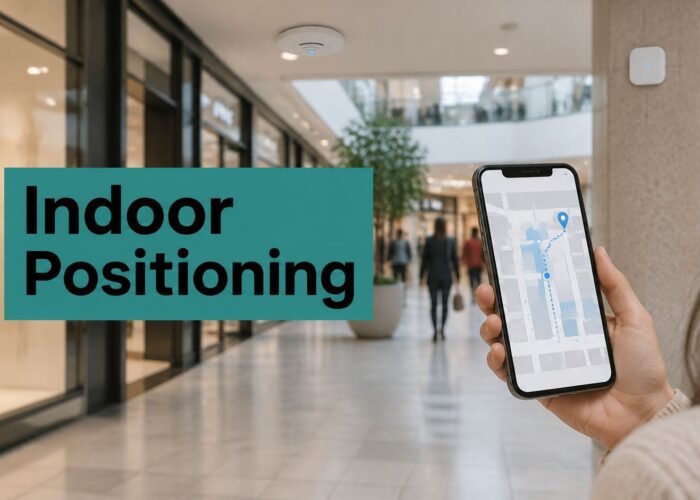
Retail works differently. There's no booking, so the win is a repeat visit. Social wifi or QR-code access captures permission once, then geo-fenced vouchers bring shoppers back. Judge it on return rate and dwell time, not list size.
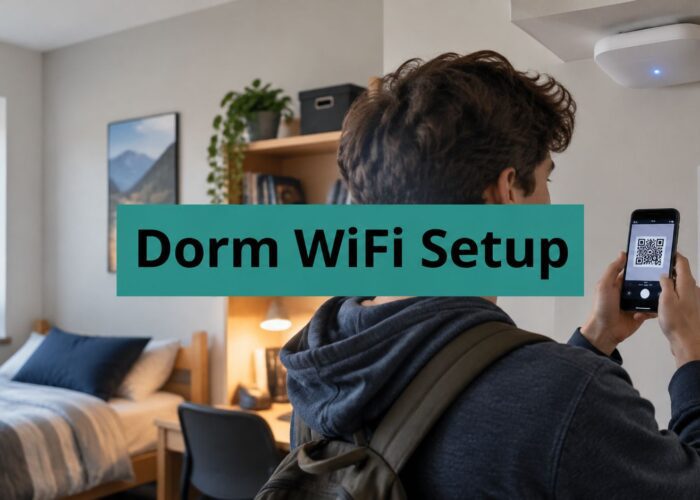
Education flips the priority again. Students need reliable per-device access in dorms, so IPSK or EasyPSK keys and personal dorm VLANs do the heavy lifting. Marketing here means opted-in event and service notices, nothing more aggressive. Report active devices and opt-in rate, and keep academic systems separate from promotional messaging.
Corporate BYOD and co-working spaces care about clean onboarding. RADIUS, Active Directory, or IPSK puts staff devices and visitors on separate business VLANs, and visitor counts plus authenticated sessions show whether the space is being used as sold.
Start with the one row that matches your property and ignore the rest until it works. A campus doesn't need hotel upsell flows, and a boutique hotel doesn't need dorm VLAN tooling cluttering its demo.
Measure Revenue and Test a Platform Before You Buy
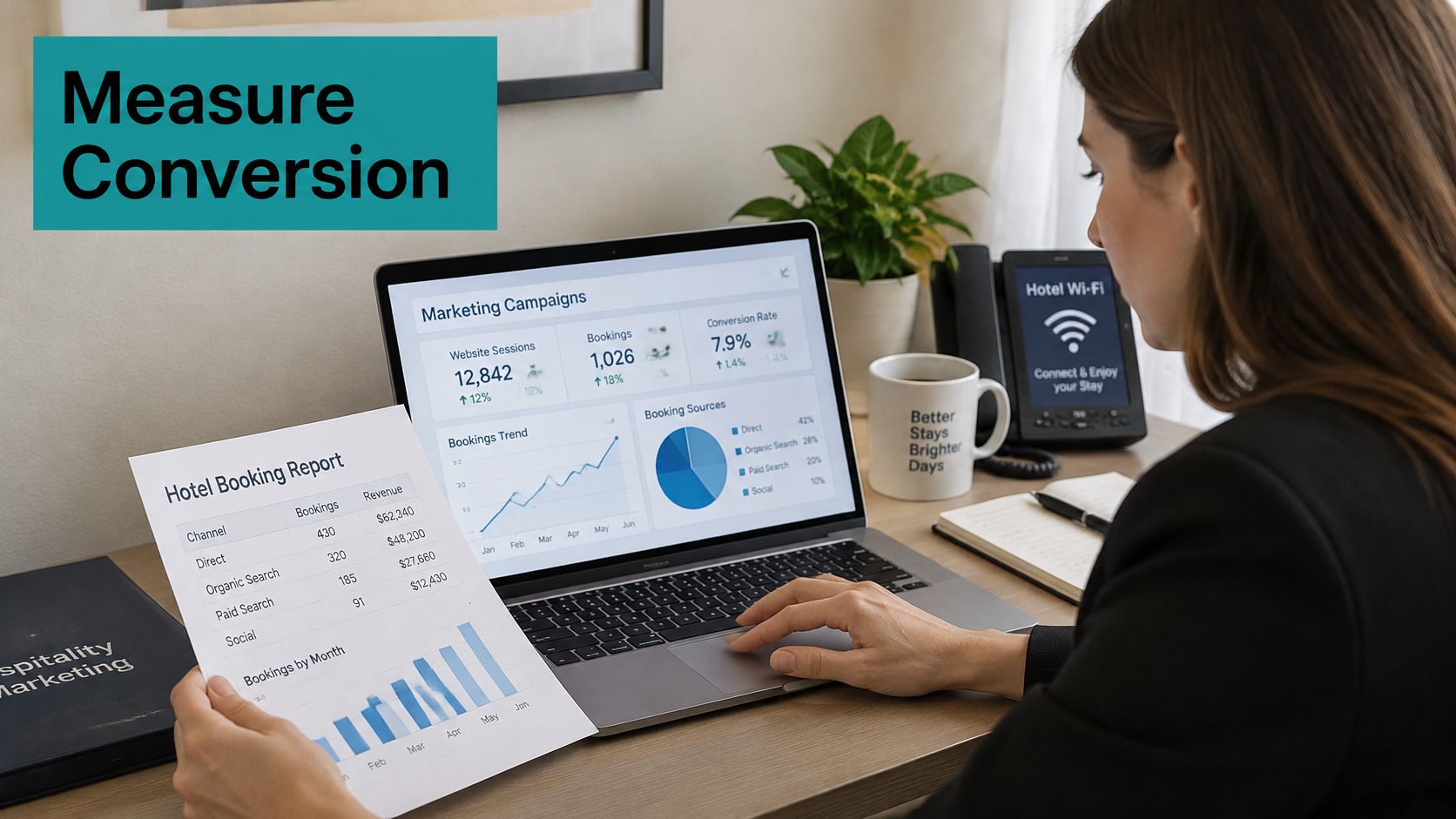
Opens and clicks are diagnostics, not results. The number that matters is conversion as completed bookings divided by sent emails. The 2024 North American hospitality benchmark reported average campaign performance of a 35.8% open rate, 1.9% click-through rate, and 0.2% conversion rate, while hotels with segments below 5,000 recipients achieved conversion rates approximately twice the overall regional benchmark. It also reported average automation adoption of 37%, with highly active operators exceeding 60%.
Measure incrementally, not hopefully
- Hold back a control group: Measure incremental bookings against guests who received nothing, instead of crediting the platform with every booking an email touched.
- Report revenue separately: Keep bookings and revenue in one view, opens and clicks in another. Blending them lets busywork look like growth.
- Track match rates: Show how many Wi-Fi sign-ins matched a PMS record, how many guests stay unknown, and what their consent status is.
- Split campaign types: Transactional, lifecycle, and promotional messages perform differently, and one average hides all three.
Before you sign, run a short demo test with your own data. Load a sample guest list, trigger a pre-arrival flow, check the booking report by segment, then withdraw consent for one record and confirm that guest drops out of every campaign. It's a simple test, and platforms fail it more often than sales decks suggest. Run your expected volumes through an ROI calculator so the business case rests on your sign-in numbers, not a vendor's best customer.
Splash Access is one option for hotels and campuses that want Cisco Meraki guest Wi-Fi with captive portals, IPSK and social login, and Opera Micros integration. We offer a free demo, which can be booked through our Book a Meeting option, so you can run exactly the test above before committing.
My recommendation is firm. Choose the platform that proves revenue in your demo, with your data and your consent rules. The longest feature list in the room is rarely the one that fills rooms.
If you're ready to turn guest Wi-Fi into consented, measurable direct bookings, Splash Access gives you Cisco Meraki captive portals with social login, IPSK authentication, and Opera Micros integration for hotels, campuses, retail, and corporate BYOD. Book a free demo, bring your own sample guest list, and we'll run the pre-arrival, reporting, and consent withdrawal tests with you before you spend anything.