You know the moment. A guest is standing in the lobby with a phone in one hand and a check-in code in the other, a student is trying to join Wi-Fi before class starts, or a shopper is waiting for a payment page to load at the counter. In each case, the visible part is just the phone and the splash page. The work happens underneath, in the access point network that carries the radio signal, separates traffic, and decides who gets online.
That hidden stack is why Wi-Fi feels simple when it works and frustrating when it doesn't. The radios, switches, policies, and identity checks all have to line up, and the venue usually feels the pain first at the front desk, the classroom door, or the point-of-sale terminal. Once you understand the layers, the whole system stops looking like a black box and starts looking like a building with doors, corridors, and rules.
Why Your Venue Quietly Runs on an Access Point Network
A hotel lobby makes the best teaching lab because everyone there is trying to do something different at the same time. One guest wants email, another wants streaming, the front desk needs a printer to behave, and housekeeping may be carrying a tablet that has to stay on the right side of the network. The phones all connect over air, but the venue is really running a carefully arranged access point network that decides where each device lands.
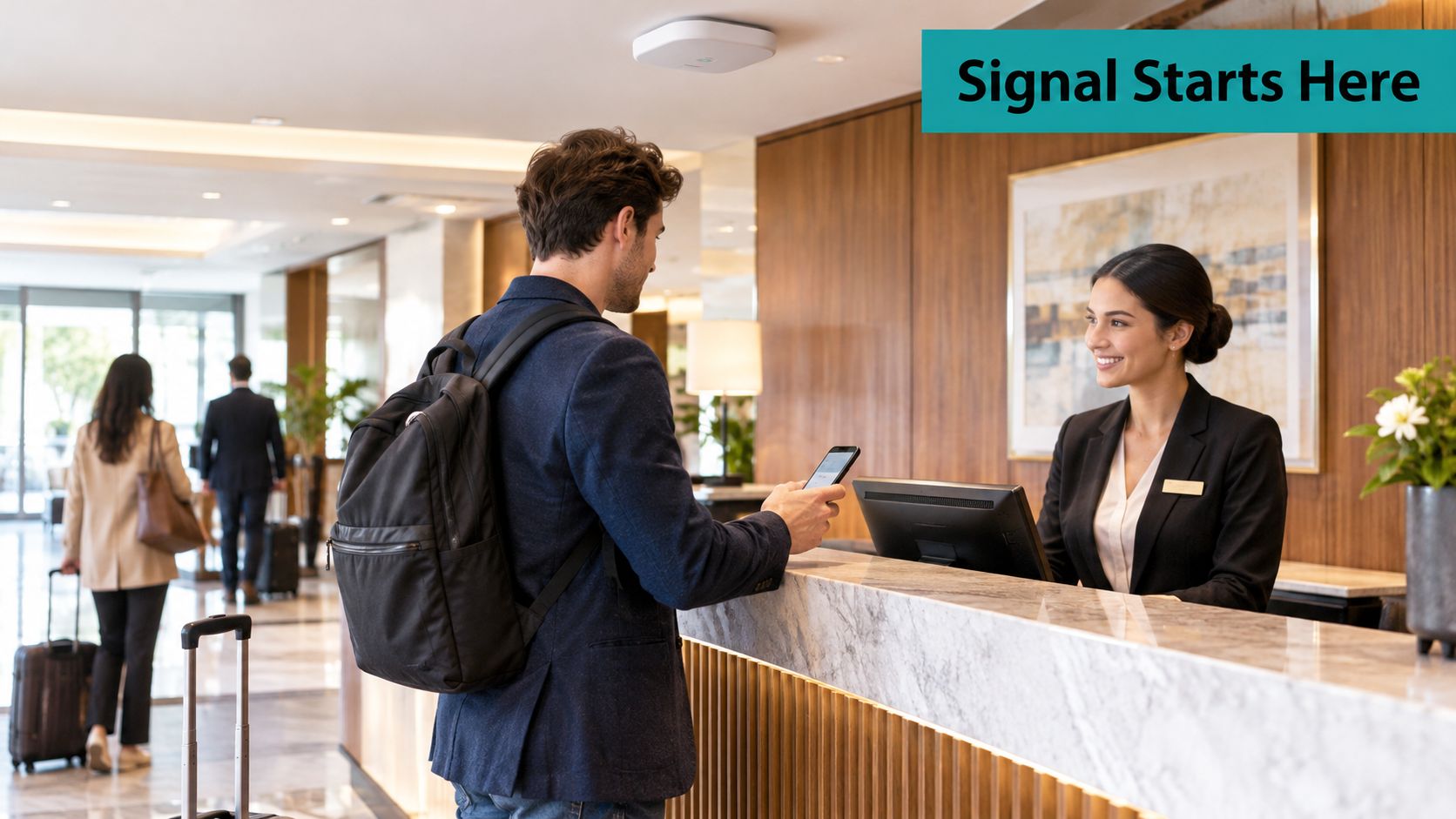
Think of the AP as the radio doorway, not the whole building. The doorway has to be placed where the signal reaches, but it also has to connect back to wiring, a controller or cloud dashboard, and the policies that keep guest traffic away from staff systems. That layered design is why access points matter so much in hospitality, education, retail, and corporate environments.
The idea became practical when IEEE 802.11 arrived in 1997. It let access points connect wireless devices to a local network without physical Ethernet cables, and the 1999 follow-ups, 802.11b and 802.11a, moved nominal rates from 1–2 Mbit/s up to 11 Mbit/s and 54 Mbit/s respectively, which opened the door for the venue Wi-Fi we use today. IEEE's standards timeline makes that shift easy to see.
That matters because the modern venue is no longer asking, “Can we provide Wi-Fi?” It's asking, “Can we separate guest access from staff access, keep onboarding simple, and still hold up when the lobby fills?” The access point network is the answer to all of those questions at once.
Practical rule: if you can't describe where the signal enters, where it's switched, and where identity is enforced, you don't yet have a network design. You have a collection of radios.
The Building Blocks of an Access Point Network
Start with the simplest mental model: an access point is a door, an SSID is the sign on that door, and a VLAN is the hallway behind it. A controller, whether it lives on-prem or in a cloud dashboard like Cisco Meraki, acts like the building manager. It decides what the doors say, which halls they open into, and what happens when the rules change.
The phrase “Wi-Fi network” gets used loosely, but the actual system has distinct jobs. The AP handles the radio side, the switch carries traffic on the wired backbone, the router gets packets to the internet, and the controller pushes policy and firmware. If one of those pieces is missing, the venue usually feels it as slow onboarding, messy segmentation, or hard-to-diagnose outages.
A useful way to map this is to draw it on a napkin before you buy anything. If the APs are the doors, then the SSIDs are the name tags on those doors, and the VLANs are the halls that separate guests from staff, or students from records systems. That separation isn't cosmetic. It's the baseline that keeps a guest's browsing away from point-of-sale traffic and a student's phone away from admin systems.
For a home office, a simple single-radio design may be enough, and a practical consumer-oriented example like access point for home office can help non-specialists picture that smaller scale. Venues with real traffic, though, need something more deliberate. A multi-AP environment also needs a management layer, which is why an internal topology reference such as network topology in computer is useful when you're explaining the architecture to non-technical stakeholders.
A clean layout usually looks like this:
| Building Block | Job | Why It Matters |
|---|---|---|
| Access Point | Translates Wi-Fi to Ethernet | Creates the wireless doorway |
| Controller | Manages policies and traffic | Keeps settings consistent |
| Switch | Connects the wired backbone | Moves traffic to the right place |
| Router | Routes internet traffic | Sends users offsite safely |
| SSID | Shows the network name | Tells devices where to join |
| VLAN | Separates traffic paths | Keeps guest and staff traffic apart |
If you're running a venue and the guest network feels tangled with the rest of the building, this is usually where the problem starts. The fix is almost always architectural before it's tactical.
Deployment Patterns from Boutique Hotels to Multi-Site Campuses
A small coffee shop can get by with a straightforward setup, but a 40-room inn or a multi-building campus cannot. The reason isn't just scale, it's control. Once you have guests, staff, contractors, and maybe student devices all sharing the same airspace, the venue needs a deployment model that can be managed without constant manual resets.
Standalone APs are fine when the network is simple and the consequences of a mistake are low. They're easy to understand, but they don't give you much control when you need to change an SSID, standardize firmware, or segment traffic across several buildings. That's why hotels, retail chains, and schools tend to move toward controller-based or cloud-managed designs.
Cisco's wireless RF reference shows how the market got here, with the original 1–2 Mbit/s ceiling moving to 11 Mbit/s in 802.11b and then to 54 Mbit/s in 802.11a and 802.11g, a theoretical peak-rate increase of up to 27 times over the original ceiling. Cisco's RF reference is a good reminder that venue Wi-Fi became practical only when AP networks could serve many users, not just one or two.
Cloud-managed Cisco Meraki is a common fit for multi-site properties because a single dashboard can roll out SSIDs, firmware, and segmentation rules without sending someone to every closet. That matters for a 200-store retail brand or a university with dorms and lecture halls, where consistency is worth more than heroics. If you're looking at a hospitality-focused example, the deployment logic behind hotel Wi-Fi solutions is easier to understand when you view it through that central-management lens.
| Deployment Model | Best Fit | Management Style | Typical Use Case |
|---|---|---|---|
| Standalone AP | Small, simple sites | Local setup, little central control | Coffee shop or small office |
| Controller-based | Larger single sites | Central policy with local APs | Hotel, school, warehouse |
| Cloud-managed | Multi-site operations | Dashboard-driven, remote updates | Retail chain, campus, franchise network |
The trade-off is simple. Centralization gives you control, visibility, and faster change management. It also introduces subscription and platform dependency, which is why the right answer depends on how often your network changes, not just how many APs you own.
Designing Guest Wi-Fi with Captive Portals and Social Login
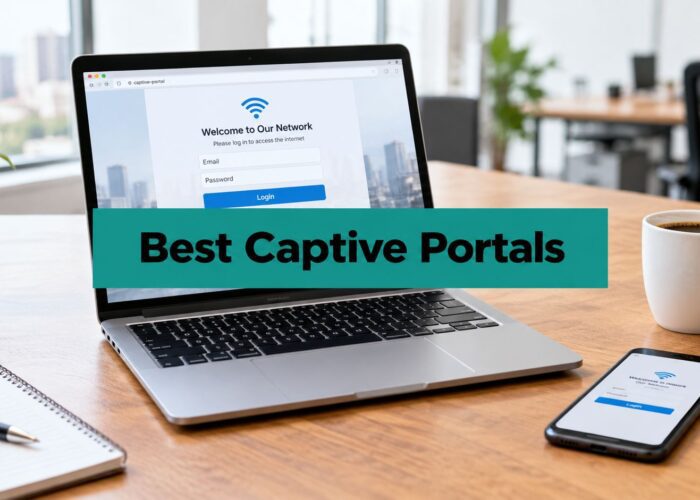
Guests usually meet the network through the captive portal, the splash page that appears before the internet opens up. It works like a lobby desk, asking for terms acceptance, a room number, an email address, or a voucher code before traffic is allowed through. In a hotel, retail floor, or campus, that first page shapes both the user experience and the data you collect.
Modern captive-portal behavior is becoming more interoperable. RFC 8910 standardizes DHCP and IPv6 Router Advertisement options that tell a client it is behind a captive portal and provide the portal API URI, so supported devices can discover the sign-in flow programmatically. The RFC explains why some phones open the right sign-in sheet instead of dropping users into a generic browser error.
Different venues need different flows. Hotels often use social Wi-Fi or voucher codes because the guest experience needs to feel quick, while the marketing team still wants usable registration data. Retail usually wants a short click-through because anything slower can hurt conversion at the counter. Education tends to need simple onboarding for parents, visitors, and temporary users. Corporate offices usually need a clean visitor handoff that does not confuse the guest with the employee network.
A portal should feel like a short line at reception, not a maze in the basement.
The design question is which identity check fits the venue without making the process annoying. A useful reference for practical BYOD controls for guest WiFi helps security teams think through that balance without overcomplicating the guest flow.
The same logic applies to social login and social Wi-Fi. They are identity shortcuts that reduce typing and make the guest path feel familiar. For a walkthrough of the login flows themselves, the guide on wireless social login covers how social and voucher-based onboarding work in Meraki environments. A branded portal with clear terms, QR code entry, and the right handoff can serve hospitality, education, retail, and corporate visitors without making each group learn a different process.
Authentication Options from WPA2 to IPSK and Beyond
A venue network usually starts to strain at the identity layer before it strains at the radio layer. WPA2 remains the baseline many devices still support, while WPA3 strengthens protection against weak-password attacks, though some older hardware still joins more cleanly with WPA2. Hotels, hospitals, campuses, and retail sites often have both modern and legacy devices on the same airspace, so the authentication choice has to fit that mix.
A shared password is easy to roll out and hard to control once it spreads. The same key can end up on staff phones, student tablets, contractor laptops, and guest devices, which makes accountability weak and forces a new SSID for every group if you want cleaner separation. IPSK gives you another path.
With Cisco Meraki Access Manager, an iPSK is a unique wireless pre-shared key tied to an access rule, returned to the AP for enforcement during association, and it can be assigned to an existing client by MAC address. Meraki documentation also requires the key to be 8–63 characters long. The deployment guide describes that model, which works well when one SSID needs several policy buckets without turning the network name into a menu of choices.
The practical result is simple. Students, staff, contractors, and guests can use one SSID while landing in different policies, and in many cases different VLANs, without forcing everyone through a full certificate rollout. Compared with 802.1X, the operational lift is lighter. Compared with one shared PSK, a leaked key affects far less of the network.
A shared PSK leak exposes every account that used it. Tools like the Horus Intelligence credential exposure platform show why per-identity keys shrink the damage a single leaked credential can do. That is the value of IPSK, it narrows the blast radius while keeping onboarding manageable.
Operational rule: if you need differentiated access but cannot justify a full certificate rollout, IPSK is often the least painful path.
The comparison is straightforward. A master key opens everything, a single door key opens one door, and a badge per person gives you the clearest control. IPSK sits between a shared password and a full certificate program, which is why it fits BYOD corporate environments, education, and retail staff fleets so well.
For readers comparing identity options in Meraki environments, IPSK with RADIUS authentication is useful context when you are deciding how much central policy control you need. Authentication is segmentation with a user story attached, not just a gate.
Security and Design Best Practices You Can Apply This Quarter
The first rule is boring, and that's exactly why it matters. Keep guest, staff, and IoT traffic on separate SSIDs and separate VLANs. Add client isolation on guest networks so visitors can't browse each other's devices, and keep firmware, certificates, and access rules current so the network doesn't drift into a half-managed state.
The next rule is about the splash page itself. If the portal bogs down during check-in or a conference rush, the whole guest experience feels broken. Rate limiting, simple forms, and clean branding matter because the portal is part of the service, not just a gate.
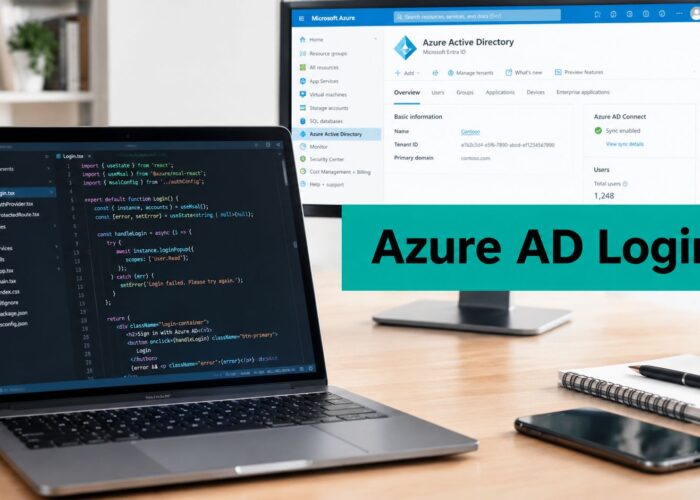
A well-run venue network also needs analytics. If you can't see visitor behavior, you're flying blind on everything from marketing to operations. Splash-style workflows can tie together voucher printing, geo-fenced coupons, Mailchimp or Twilio integrations, and SAML or Azure AD hand-offs, so the same access point network supports onboarding, messaging, and reporting without rebuilding the front door each time.
One option in that space is Splash Access, which provides captive portal workflows, branded splash pages, and identity integrations around Cisco Meraki environments. That kind of tool makes more sense when the venue wants both access control and guest engagement from the same Wi-Fi entry point.
A short RF checklist helps keep security and user experience from fighting each other. Dense deployments need thoughtful channel planning, and wider channels aren't automatically better in busy spaces. Meraki's Auto RF guidance says to watch channel utilization and airtime availability, and treat below roughly 40–50 percent utilization as generally acceptable, with sustained readings above that as a reason to investigate. Meraki Auto RF guidance is useful because it reminds teams to measure reality, not guess from the number of visible SSIDs.
If the lobby feels slow, don't start by adding radios. Start by checking utilization, airtime, and whether the guest network is competing with things it shouldn't.
A venue manager can usually fix at least three things this quarter by tightening segmentation, cleaning up the portal, and validating RF settings during peak occupancy. Those are practical gains, not theory.
When Newer Wi-Fi Generations Actually Help and When They Don't
Newer Wi-Fi is useful when the rest of the stack can support it. Wi-Fi 6 helps most in dense environments with lots of small, concurrent exchanges, and Wi-Fi 7 can make sense where the client mix, spectrum, and wired uplinks are all ready. If the AP is new but the switch, cabling, power, or client fleet isn't, the upgrade can feel more expensive than it's worth.
That's the part many venues miss. A shiny access point doesn't fix weak backhaul, poor channel planning, or a device population that can't take advantage of the new standard. In real buildings, the AP is only as effective as the infrastructure behind it and the devices in front of it.
The same caution applies to security. A recent academic measurement reported that only 0.84 percent of globally observed access points used WPA3, while 58 percent of enterprise APs shipped in 2025 carried WPA3 certification, which shows how far installed networks can lag behind new hardware capability. That measurement is a reminder that policy and segmentation matter more than box labels.
For venues with mostly Wi-Fi 5 and Wi-Fi 6 clients, a full AP swap is often the wrong first move. RF tuning, uplink improvements, and an identity refresh based on IPSK usually produce a better return because they fix the bottlenecks people feel most. A resource like Wi-Fi 6 access point planning helps frame the upgrade decision around fit, not hype.
The right question is not “What's newest?” It's “What changes the guest experience, staff workflow, and support burden in this building?” If the answer is not clear, the venue probably needs better design before it needs newer hardware.
Putting It All Together and Common Pitfalls to Avoid
A good access point network starts with the venue's real goals, not the AP model number. You map the radios, wire them back properly, decide on a deployment style, then add a captive portal and authentication method that fits the audience. After that, you lock down segmentation and watch the RF like a building engineer watches air handling, because congestion and misuse show up as symptoms long before anyone calls them root causes.
The most common mistakes are easy to spot once you know where to look. One shared PSK across an entire SSID turns every leak into a full-network problem. Captive portals that don't redirect cleanly create support tickets at the worst possible moments. Splash pages that ignore the venue brand make the guest experience feel disconnected, and RF plans built from spec sheets instead of real surveys almost always disappoint under load.
A practical one-week list looks like this:
- Check the guest journey: Test the captive portal on the actual phones your guests use, not just the IT team's newest device.
- Review segmentation: Confirm guest, staff, and IoT traffic are separated in both SSIDs and VLANs.
- Inspect RF health: Look at utilization, airtime, and roaming behavior during peak occupancy.
A one-quarter list is broader:
- Refine identity: Move toward IPSK or another differentiated access model where a single shared PSK is still in use.
- Clean up onboarding: Simplify terms, voucher flows, and social login so guests don't stall at the portal.
- Validate dashboards: Make sure the analytics you collect are used by operations, marketing, and IT.
The venues that get this right don't treat Wi-Fi as a utility anymore. They treat it as part network, part front desk, and part policy engine. That mindset makes the whole site easier to run.
If you want a guest Wi-Fi layer that ties captive portals, authentication, and Meraki-based access control into one workable flow, take a look at Splash Access. It's built for venues that need branded onboarding, IPSK-driven access, and cleaner guest journeys without turning Wi-Fi into a full-time project.